Our practical take
This is really a QuickBooks POS replacement problem. Shopify is where you were pushed, but that does not mean you have to put up with it.
- Try it first: Use the Lightspeed demo before committing to another migration.
- Data: Review products, SKUs, barcodes, customers, vendors, costs, and inventory counts.
- Hardware: Confirm scanners, receipt printers, cash drawers, label printers, payment terminals, and scales.
- Accounting: If QuickBooks is still your accounting system, confirm the new sales and payment workflow early.
- Payments: Are you keeping your processor, or could Lightspeed help find a better option?
Why Shopify may feel wrong
Shopify works well for web-based business, but not every store that moved from QuickBooks POS is online-first. Some are still brick-and-mortar shops that need a register built for the counter.
The issue is fit. If most of your sales still happen in person, the register workflow matters more than the online store tools.
Consider your database before you move
Before you pick the next POS, decide what parts of your QuickBooks POS database still need to come with you. Shopify may not hold everything the same way a register system does.
- Items: SKUs, barcodes, categories, costs, prices, and inactive products.
- Inventory: Current counts, reorder points, variants, and locations.
- Customers and vendors: Decide what should move into Lightspeed and what only needs to stay archived.
A migration is easier when the database is reviewed before import, not after the new register goes live.
Check your hardware: what can you keep?
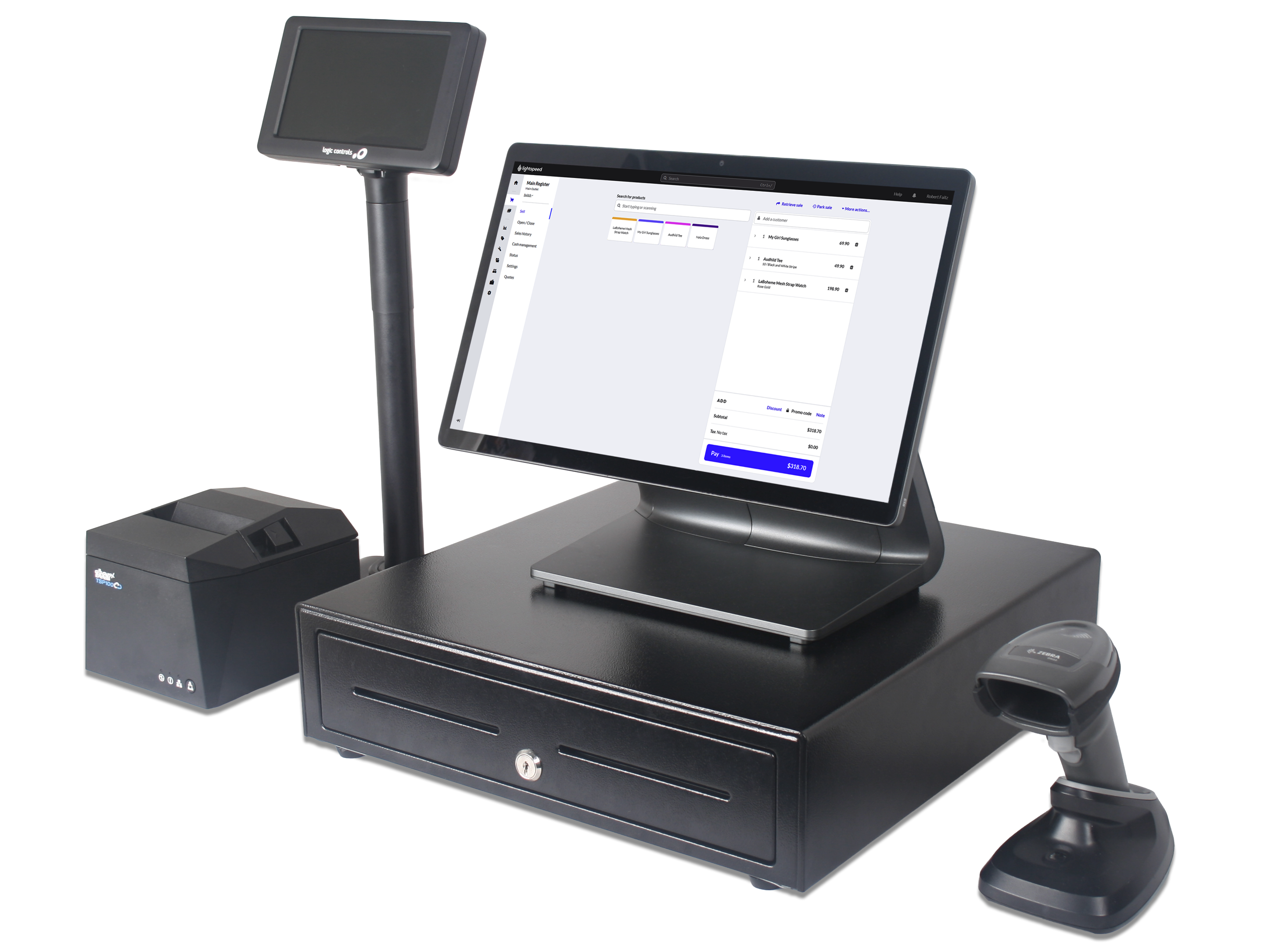
A Shopify-to-Lightspeed move is not just changing software. Review your current counter setup before you plan around it, especially if some of it came from the old QuickBooks POS system.
- What can you keep? Start with your computer or iPad, receipt printer, cash drawer, scanner, label printer, stand, and customer display.
- Reuse risks: Shopify card readers, older QuickBooks hardware, and Bluetooth devices may not carry over the way you expect.
- New gear opportunity: This is also a good time to move to supported Lightspeed hardware that fits the way your counter works now.
Do not skip the Payment Processor check
Do not assume your Shopify payment terminal is compatible. Share your current processor and terminal details with POSGuys so we can help confirm what works for you.
Already have a processor relationship or competitive rate? Bring that into the Lightspeed discussion early and ask how your current processing rates may factor into the move.