Are you a business owner using Cash Register Express who wants the ability to manage you inventory from your smartphones, no matter where you are in the world? Then PC America's Mobile Inventory is for you.
Two quick notes on this software: If you're looking to generate sales reports and manage your time clock, you're probably looking for PC America's Mobile Manager. That's a separate app from Inventory Manager. Please give us a call if you're interested in that software. Second: At the time of writing, a customer needs to have CRE version 14.1005 or higher to use Mobile Inventory. If your version is lower, you’ll need to upgrade. Give us a call and we can help you with that.
What Can The App Do?
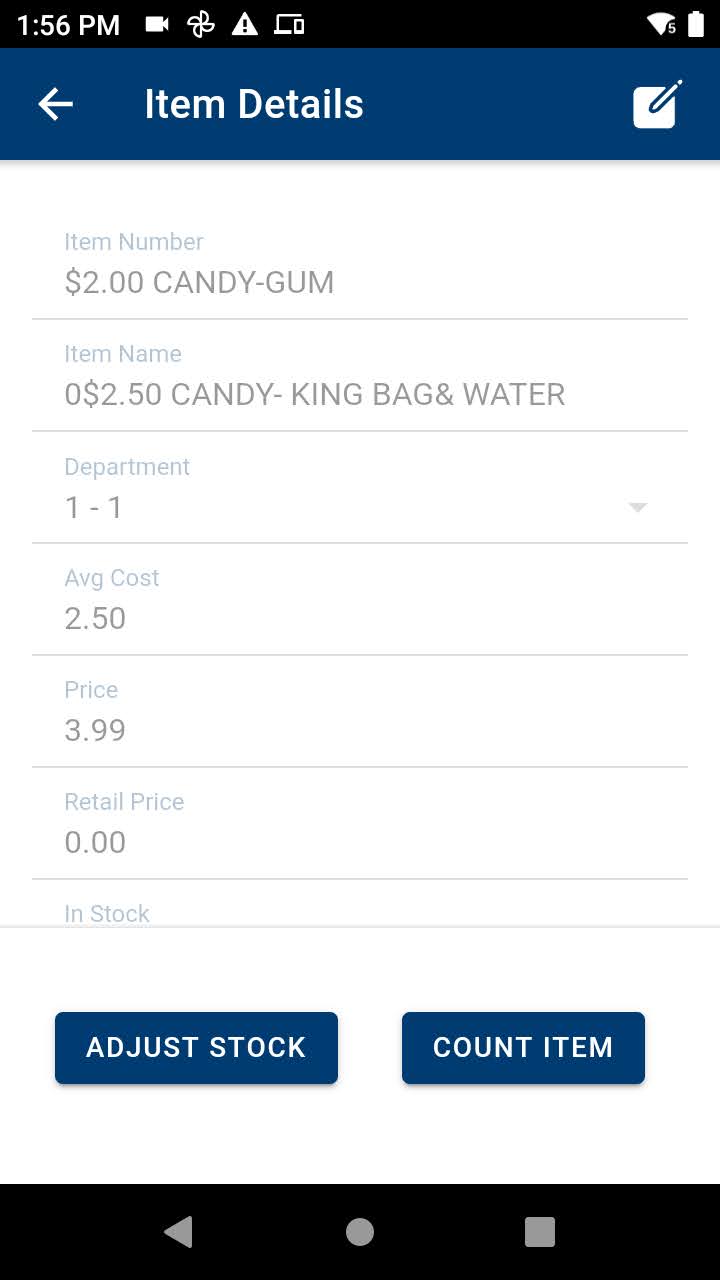
From Mobile Inventory you can find items in your database by either scanning a barcode or looking up an item's name. From there, you can edit details about the item, adust stock levels, and do a manual count on items. From the same screen, you can also add items to your database.
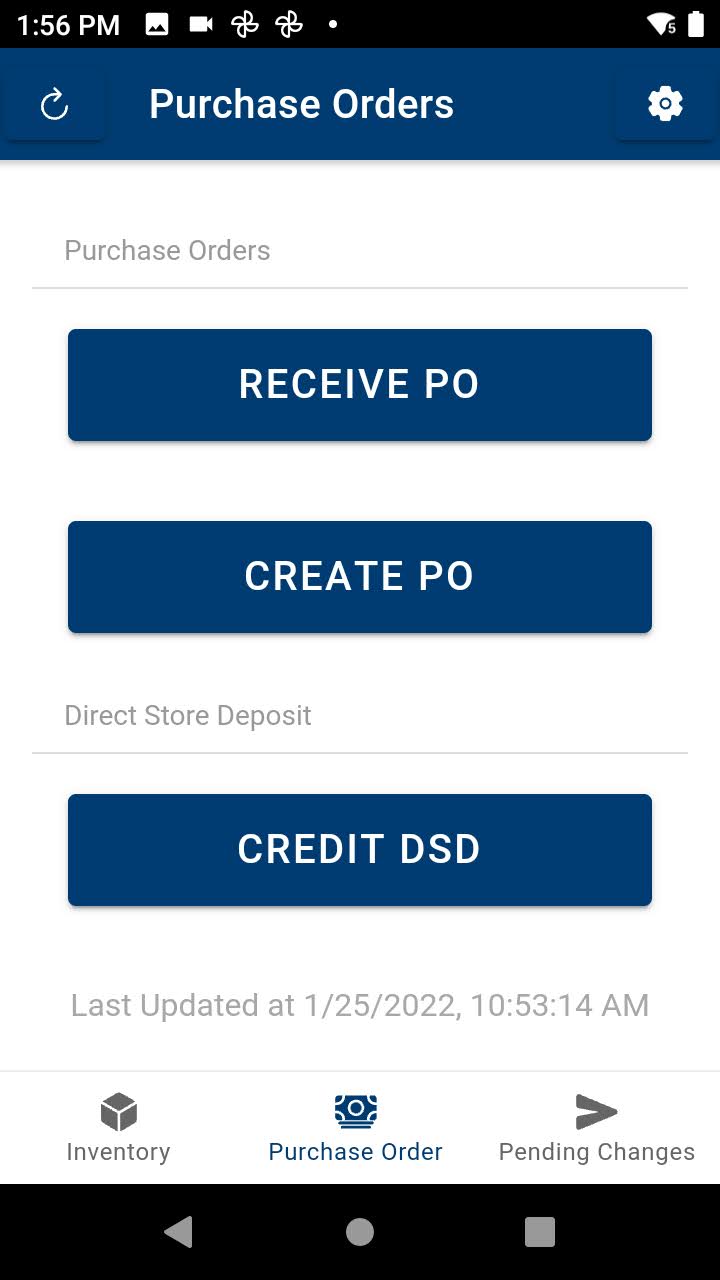
Other notable features include the ability to create and receive purchase orders, create picklists, and receive direct store deposits.
Interested in learning more? Watch the video above to see the app in action. Ready to purchase? Click here to view the product listing.