Turn Zebra Mobile Devices into Desktop Workstations
Zebra’s Workstation Connect solution bridges the gap between mobile and desktop workflows. With a docking cradle, Zebra Android devices like the TC22/TC27 or ET6x series can instantly become fully functional desktop terminals, complete with peripherals, monitors, and ethernet. This allows businesses to streamline operations, reduce hardware costs, and simplify IT management.
What is Zebra Workstation Connect?
Zebra Workstation Connect is a combination of software and hardware that allows Zebra mobile computers or tablets to power a full workstation or POS setup when docked. Devices can be connected to an external monitor, keyboard, mouse, printer, scanner, and other peripherals—no traditional desktop PC required.
Key Benefits of Workstation Connect
Organizations can maximize productivity and flexibility with a single mobile device that handles both handheld and desktop tasks. Benefits include:
- PC Replacement: Eliminate the need for desktop PCs. Zebra devices can manage both mobile and stationary workflows in one compact unit.
- Instant Desktop Mode: When docked, devices present a desktop-like interface on an external monitor, allowing users to multitask with ease.
- Seamless Mode Switching: Users can undock and redock without restarting applications or losing data. This is ideal for roles that transition between mobile and fixed tasks.
- Peripheral Integration: HDMI, Ethernet, USB, scanners, keyboards, and printers connect easily through the docking cradle.
- IT-Friendly Deployment: Administrators can remotely configure desktop UI behavior, restrict access to specific apps, and manage permissions using Zebra StageNow or supported MDM platforms.
- Secure and Controlled: Enterprises can apply custom branding, enforce security policies, and limit peripheral functionality to reduce risk.
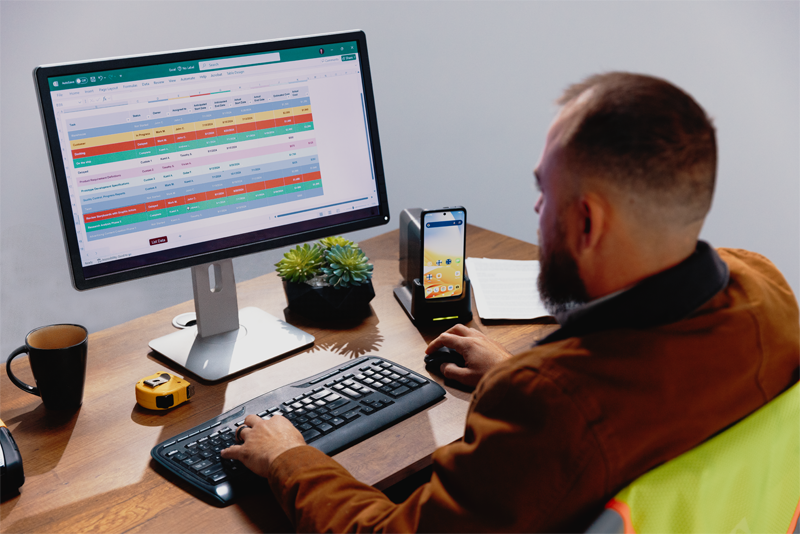
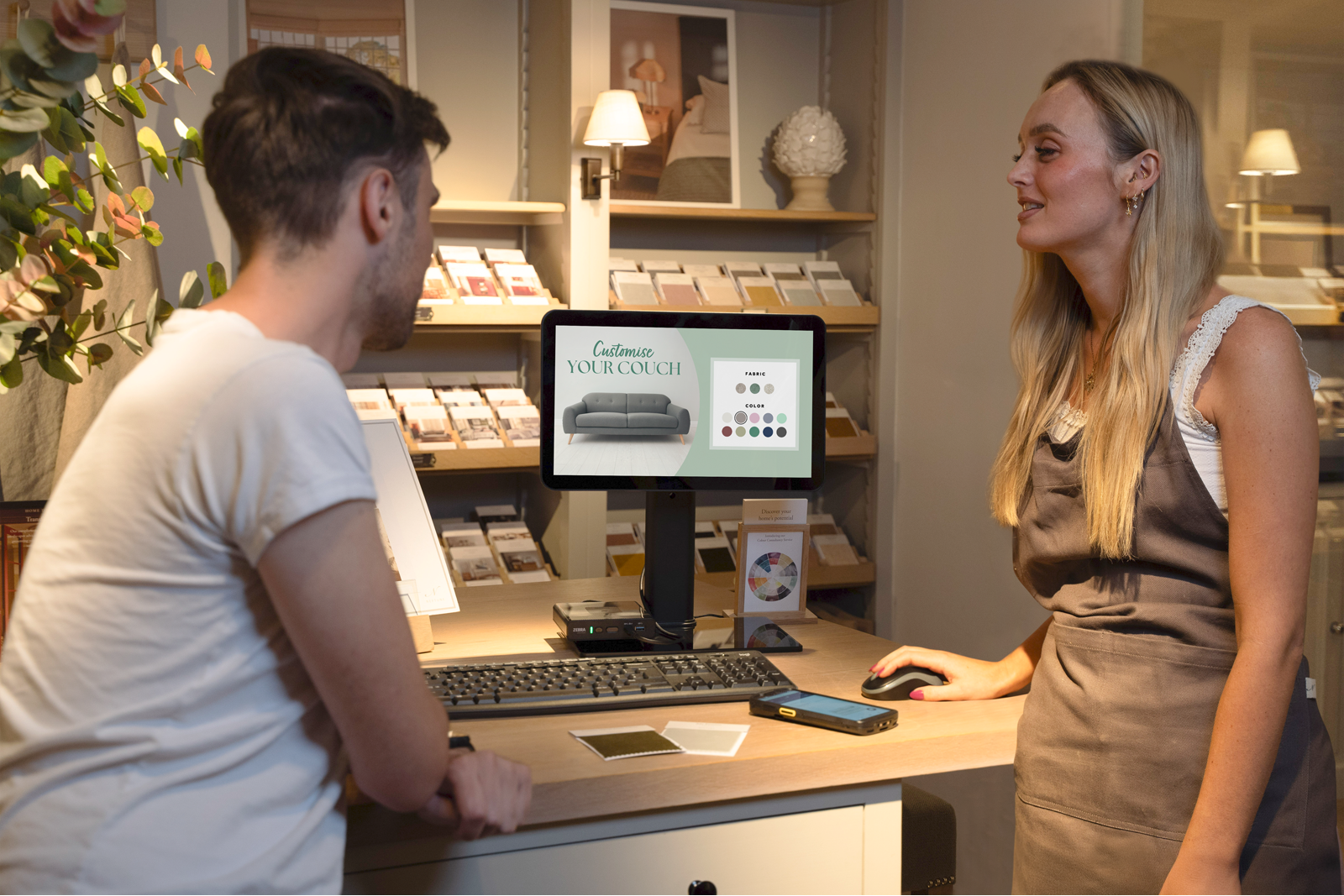
Real-World Use Cases
.png)
Why Choose Zebra's Workstation Connect?
Zebra Workstation Connect merges mobility with desktop capability so you can do more with fewer devices. It’s a simple way to reduce hardware sprawl, streamline deployment, and keep teams productive whether they’re on the move or docked at a station.
Learn More
Workstation Connect Fact Sheet
High-level features, desktop UI, and deployment highlights for stakeholders.
Point-of-Sale Use Case Overview
How docking enables fixed POS with the same device used for mobile tasks.
Zebra Point of Sale Solution Brief
POS architecture, peripherals, and workflow options with Zebra devices.
Contact POSGuys
- Toll Free: 1-800-903-6571
- Telephone: 1-360-647-5681
- Fax: 1-360-738-3530
- Email: [email protected]
- Business Hours: 6am - 5pm PST (Mon - Fri)
- Support Hours: 7:30am - 4pm PST (Mon - Fri)