Print from Your Android Device with Zebra’s Print Station App
What is Zebra Print Station?
Zebra’s Print Station is an app that lets you print labels or receipts directly from your Android device or Zebra printer. Whether you're on the sales floor, in a hospital room, or at an event venue, this app bridges the gap between mobile devices and Zebra printers, enabling quick, professional-quality label printing.
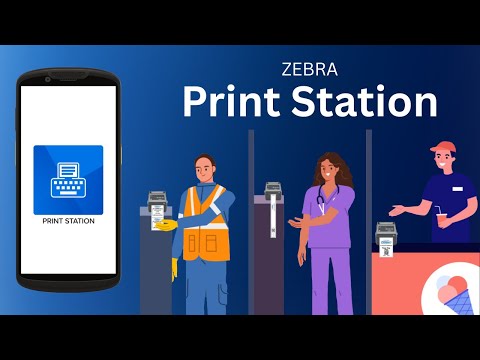
Zebra Print Station App
Print Directly from a Zebra Printer
Print Station allows you to print stored labels or receipt templates directly from your Zebra printer. After designing templates using ZebraDesigner, you can save them to the printer's memory. From there, simply connect your Android device via Bluetooth, Wi-Fi, or USB and print on demand.
With a compatible Zebra printer like the Zebra ZD621, accessing templates is easy via the printer’s color display. Navigate to the Print Station menu, select your file, and print with just a few taps.
Compatible Zebra Printers:
Print from an Android Mobile Computer or Smartphone
Print Station also functions as a mobile printing companion on Android smartphones, tablets, or mobile computers. Templates created with ZebraDesigner can be stored on the mobile device and printer and accessed through the app.
Once a template is selected, the app displays on-screen prompts to enter variable data like names, dates, prices, or ID numbers. You can even use your device’s built-in camera to scan barcodes directly into the form fields, streamlining accuracy and efficiency.
This makes it ideal for:
- Printing shelf labels in retail
- Creating patient wristbands in healthcare
- Generating admission tickets in entertainment venues