FAQ | 76 views
Read answer ->
FAQ | 114 views
Read answer ->
.png)
FAQ | 210 views
Read answer ->
FAQ | 358 views
Read answer ->
FAQ | 326 views
Read answer ->
FAQ | 269 views
Read answer ->
FAQ | 219 views
Read answer ->
FAQ | 526 views
Read answer ->
FAQ | 321 views
This is common with peeler models of the receipt/label variety of the TM-L90 Plus printers, especially if you are not using the peeler. To disable this, you will need to flip the grey toggle switch on the front of the pr...
Read answer ->
FAQ | 2328 views
If your Zebra printer is not being detected over USB, check these three common causes first. Quick Fix Checklist: Remove the USB Port StickerSome Zebra desktop printers ship with a factory sticker covering the square USB...
Read answer ->
FAQ | 1399 views
Answer: Zebra's handheld mobile devices offer a variety of pinout configurations, typically categorized into 2-pin or 8-pin setups, but there are actually four options available: 8-Pin Connector - Supports future accesso...
Read answer ->
FAQ | 516 views
This is a known error that can occur when syncing the CipherLab 8200 with Windows using CipherLab's application, Forge AG. If you are experiencing this issue, we recommend reaching out to our support team for assistance....
Read answer ->
FAQ | 499 views
What is Proposition 65? Proposition 65, officially known as the Safe Drinking Water and Toxic Enforcement Act of 1986, is a California law designed to protect residents from exposure to chemicals known to cause cancer, b...
Read answer ->
FAQ | 420 views
This curated video series from the manufacturer provides valuable guidance on using the Atron LS-100 Scale. The videos cover essential topics, including basic setup, database configuration, and utilizing speed keys for q...
Read answer ->
FAQ | 4045 views
Unfortunately, this is a known issue with Zebra printers that have the letter J as the 3rd character in the serial number, and if the 6th and 7th numbers after the 24, are anywhere between 10-30. If your serial number me...
Read answer ->
FAQ | 369 views
If you're using the TSP700II as a label printer and experiencing calibration or feed issues, adjusting the sensor sensitivity is one potential step to try. Click Here for Sensor Adjustment Article
Read answer ->
FAQ | 689 views
How to Reset Your TM-P60II to Factory Defaults To reset your TM-P60II printer to factory settings, you'll need to follow a specific button sequence while the paper roll cover is open. Follow these steps: Turn off the pri...
Read answer ->
FAQ | 548 views
If you're running PosiTouch on a Windows computer, you can absolutely use a standard barcode scanner. While the scanner will work with Windows by default, PosiTouch requires specific configuration for barcode data to be...
Read answer ->
FAQ | 735 views
As of Version V3.2.6.0 of the Console Setup Utility, there are several bugs. It is recommended to use the Diagnostics Tool instead.
Read answer ->
FAQ | 1618 views
If your brand new Star USB printer for Square does not work, chances are your device was preconfigured in a different mode such as "GX Mode." Follow the steps below to see if your printer has been preconfigured to a diff...
Read answer ->
FAQ | 542 views
The MC3300AX has versions of the device that are pre-liscened with Terminal Emulation software. If you have a device without it, below is the part number needed for purchase. Terminal Emulation SW-ALLTOUCHTE-AND: Velocit...
Read answer ->
FAQ | 611 views
The reason why Google Chrome opens a new tab when scanning a product barcode, has to do with the default programming on the barcode scanner. By default, the scanner sends a Carriage Return (Enter Key) function, as well a...
Read answer ->
FAQ | 607 views
Due to the cost of shipping paper media at small quantities such as our 10 pack, we can only ship these items with the continental USA.
Read answer ->
FAQ | 1217 views
Workstation License Supports unlimited printers per license but only supports a single user from a single PC or BarTender installation. Available printers can be connected to a local computer or anywhere on a LAN or WAN...
Read answer ->
FAQ | 721 views
In order for Custom America printers to work with Cash Register Express, an OPOS driver must be installed for the receipt printer to functional correctly within Cash Register Express, specifically in regards to opening a...
Read answer ->
FAQ | 674 views
FIPS is the Federal Information Processing Standards. FIPS are standards and guidelines for federal computer systems developed by the National Institute of Standards and Technology (NIST) following the Federal Informatio...
Read answer ->
FAQ | 897 views
The MPOP Cash Drawer is only compatible if you have a Square USB Hub that comes with either the Square Stand, Square Register, or Square Terminal. After you plug in the MPOP using a USB Connection to the Square HUB, proc...
Read answer ->
FAQ | 891 views
Socket Mobile Scanners, in order to work with Windows, requires the installation of the Socket Mobile Companion App onto the Windows PC. In order to pair successfully with Windows, you must install the app, run the app a...
Read answer ->
FAQ | 3044 views
This feature is enabled in the Epson TM Driver in Windows. After installing the printer driver, follow the Open the Windows Start menu Type or select Control Panel Go to Devices and Printers Right-click on the Epson prin...
Read answer ->
FAQ | 803 views
In Windows 8 and onward there are additional power settings in Windows for some USB connected APG Cash Drawers (APG Model 554A USB). Please see this article on APG's website for instructions on how to correct those setti...
Read answer ->
FAQ | 633 views
No, the MC-Print3 models made for iOS (like iPhones and iPads) do not support USB hubs now. But, the MC-Print3 for Windows and Android still works with USB hubs. Due to a parts shortage, the MC-Print3 that used to come w...
Read answer ->
FAQ | 669 views
By default, this scanner transmits a Carriage Return & a Line Feed which is known to open the browser Downloader. The below steps configures the scanner to only transmit a Carriage Return. Open the product manual to page...
Read answer ->
FAQ | 755 views
In most cases you will need at least two, one connected by LAN to your modem or router and then another one can be placed wirelessly where you want your printer to be located but is also in wireless range of the first De...
Read answer ->
FAQ | 1244 views
The following will assist in extracting data. Forge AG v2.02.0005: https://www.cipherlab.com/en/download-c2097/Utility-Driver.html How to Extract Data via Forge AG: - Turn on device - Press 1. Collect data - Scan an item...
Read answer ->
FAQ | 693 views
Use the 'Epson TM Bluetooth Connector' utility to discover and connect the printer to Windows before installing the Windows Driver for the printer.
Read answer ->
FAQ | 880 views
Star designed the Wireless LAN Unit to be powered from a USB-A cable that is included in the packaging. The sole purpose of this cable is to power the device. Direct Connection: If your Star Printer has an available USB-...
Read answer ->
FAQ | 2428 views
What is a Driver License-Capable Scanner? A scanner advertising as 'Driver's License-Capable' is typically a 2D scanner that either comes with built-in DL Parsing software or provides it as a downloadable add-on. It's cr...
Read answer ->
FAQ | 807 views
If you are utilizing a new Epson TM-P60ii Mobile printer, in conjunction with Micros software, you will need to source a specific firmware version from Oracle Micros directly, in order for the printer to work with the so...
Read answer ->
FAQ | 708 views
Yes. You can change your plan at any time (upgrade or downgrade) to the plan that best meets the needs of your business. Just contact our sales or support to discuss how to change plans on our POS software. Please Note:...
Read answer ->
FAQ | 1131 views
-To Resolve when you want to print receipts but do not want the cash drawer to open. In order to get Custom America printers to print receipts without opening the cash drawer each time, we need to install 3rd Party OPOS...
Read answer ->
FAQ | 1957 views
Standard Range The SR model is ideally suited to normal, near-field scanning operations on 1D and 2D barcodes. FlexRange The XR model is ideally suited to normal, near-field scanning operations on 1D and 2D barcodes, plu...
Read answer ->
FAQ | 1167 views
Star Micronics Printers are very particular when it comes to the Wi-Fi name or SSID. The name is case sensitive and cannot contain any spaces or special characters. However, some characters like _ or - can be used Exampl...
Read answer ->
FAQ | 869 views
If your print shows what you scanned but isn't printing, make sure your scanner has the "Add Enter/Carriage Return Key" programmed it so it will automatically print.
Read answer ->
FAQ | 2276 views
Clover doesn't allow you to print shelf tags by default but you can access third-party apps via Clover's app store which will do the trick. One of the most popular apps for this is called Easy Label. A one-pager created...
Read answer ->
FAQ | 1033 views
In order to mount the VESA stand to the mount points on the back of the MicroTouch unit, please use four M4 diameter screws with 8 mm length . If you have any questions, please reach out to our support staff at support@p...
Read answer ->
FAQ | 1912 views
Make sure all the covers are closed, and while pressing the Release button, turn on the printer. After the Slip LED flashes, insert the slip paper. If your printer is equipped with the endorsement printer, the printer pr...
Read answer ->
FAQ | 904 views
Unfortunately, despite the EVO Impact printer being an Epson emulated printer, the Restaurant Pro Express software does not send the proper commands to the POS-X EVO Impact to print modifiers in red color.
Read answer ->
FAQ | 930 views
The Drawer Kick Port has been moved to the bottom of some versions of the SRP-350II printers. Turn -over the prin-ter and check for the port there. If you are still having issues finding the port, please reach out to our...
Read answer ->
FAQ | 1592 views
Due to a change in the programming of New York ID barcodes, the DL parsing on older Zebra scanners, may have a parsing issue that will be resolved with a firmware update. Zebra Technologies recently released a firmware u...
Read answer ->
FAQ | 1147 views
The OT-WL02 adapter will only work for older units using firmware version 40.51A ESC/POS or later Units with 40.51B or later would need to use a OT-WL05 or OT-WL06 adapter.
Read answer ->
FAQ | 1325 views
As of April of 2022, according to PC America, if a monthly support or licensing contract is cancelled for any reason, the end user will incur a 3 month cost penalty to cancel the contract, and the support/licensing stays...
Read answer ->
FAQ | 9337 views
To disable the energy saver feature, where the printer has just the green Status light flashing, you will need to send a ZPL command to the printer using the Zebra Setup Utility on a Windows computer. once you have the u...
Read answer ->
FAQ | 5673 views
Make sure the Windows Print Queue is clear. Navigate to Devices and Printers in Windows Right click on the ZD420 and choose ‘See Whats printing’ If there is anything listed there, cancel it Turn off the Zebra ZD420 Press...
Read answer ->
FAQ | 6844 views
This is generally caused by an issue with calibration. You can do a Smart Calibration on the ZD400 series, ZD500 series, and ZD600 series by pressing both the PAUSE and CANCEL buttons together for 2+ seconds, to calibrat...
Read answer ->
FAQ | 5134 views
Required Items The Epson OT-WL06 Adapter Epson TM Printer compatible with the version of OT-WLXX adapter you have Serial number of the printer WIFI Computer, Tablet or Phone A working network Wi-Fi, making sure you know...
Read answer ->
FAQ | 1170 views
Laying out a restaurant is a pretty easy procedure. Watch this video to learn more!
Read answer ->
FAQ | 1358 views
The easiest way to move a printer from thermal transfer to direct thermal is to use the Zebra Confirmation Utility. A video showing how to do that can be found here
Read answer ->
FAQ | 1264 views
Unlike most other POS softwares, Auphan Dining Software saves your gift cards and loyalty program information in the cloud. Because of this, your data is safe and secure if you experience a computer crash. With most othe...
Read answer ->
FAQ | 1958 views
Unfortunately, Star Micronics printers will only work with the 2.4gHz radio channel for WiFi setups. If you have a Dual Band network that has both 2.4gHz and 5gHz channels, these will need to be separated out to two diff...
Read answer ->
FAQ | 1291 views
A Bluetooth Dongle differs from a Bluetooth Cradle, when it comes to wireless scanners, in the regard that the Bluetooth Dongle will not charge a wireless scanner, whereas a Bluetooth Cradle in most cases, will charge th...
Read answer ->
FAQ | 1796 views
In cases where a Bluetooth Cradle is not available for use, most wireless scanners can use a Bluetooth Adapter on a laptop or desktop PC, to pair directly to the computer. With Zebra scanners specifically, they make pair...
Read answer ->
FAQ | 1322 views
The iOS app for Lightspeed requires scanners to have MFi, which is an Apple iOS specific feature. For example, the part number CS6080-SR40004VMWW can be switched to use MFi over Bluetooth by scanning a configuration code...
Read answer ->
FAQ | 1445 views
Unfortunately, no. Some software won't account for the scaling difference between 203 DPI and 300 DPI. For example, Cash Register Express and Quick Books POS include label printing features, but they are built for a prin...
Read answer ->
FAQ | 2398 views
Be default, the Epson Thermal printer, TM-T88VI, can select from a few language options within the driver, for different fonts. The options are limited to ANK (default setting), JP (Japanese), SC (Simplified Chinese), TC...
Read answer ->
FAQ | 1229 views
No. Quickbooks POS currently only supported the PDX3000 Pole display, and will not support any other displays.
Read answer ->
FAQ | 1877 views
Confirm that your bluetooth settings are correct and the printer is connected. Perform a self-test: Power your printer off Hold down the Power and Feed buttons at the same time Release the buttons when the printer begins...
Read answer ->
FAQ | 10234 views
Epson produces a wide range of media but Clover only natively supports a select few label sizes without having to download another 'Clover App' from the Clover App Store. Officially, Clover reccomends 2.25" x 1.25" Direc...
Read answer ->
FAQ | 9729 views
The only thermal receipt printer currently compatible with Clover POS is the Star Micronics TSP143III. Note: You will need to use a router or network switch to connect the printer.
Read answer ->
FAQ | 1373 views
According to QuickBooks POS, the software only support 203 DPI Zebra Label printers at this current time.
Read answer ->
FAQ | 2557 views
There are select versions of the following models that are compatible with the Epson OT-WL06 USB WIFI Adapter. Printers TM-T20III (WIFI Version) TM-82III TM-M30 TM-T88VI TM-T88VI-iHUB TM-H6000V Interface Cards UB-E04
Read answer ->
FAQ | 2308 views
DPI or Dots per Inch refers to the resolution of the print head or how fine detail that the printer can produce. For thermal printers this is useful for printing smaller and easier to read barcodes or using font that has...
Read answer ->
FAQ | 1464 views
*PLEASE NOTE: Seagull Scientific Bartender software cannot be run on systems running PC America Cash Register Express, as this causes the software to break.* In order to update to the newest release of Bartender, the fol...
Read answer ->
FAQ | 1573 views
Re-stick paper is a continuous roll of paper with a sticky back either in a pattern across the entire paper or in a strip on the back of the paper. This is useful for a temporary label like marking a coffee cup for a dri...
Read answer ->
FAQ | 1562 views
Unfortunately no. While you can connect with an Ethernet or USB connection using Mac CUPS drivers, connection over Bluetooth is not supported for Zebra printers at this current time.
Read answer ->
FAQ | 2660 views
In the recent 14.1001 release of Cash Register Express, Heartland has introduced the Barcode Designer into the software, allowing slight modification of the information that is displayed on a label type. In the new relea...
Read answer ->
FAQ | 1644 views
According to PC America Support Engineers, the software only support 203 DPI Zebra Label printers at this current time.
Read answer ->
FAQ | 1518 views
Unfortunately, according to Epson, the DM-D110 Pole Display is only supported for use on Windows operating systems or on specific Epson printer models (H6000V, U675 or T88V and T88VI Intelligent Series).
Read answer ->
FAQ | 7865 views
If you have already gone through the Star Micronics TSP100iii WiFi setup steps, and are still unable to connect to your wifi, make sure that your wireless router is not a Smart Router or Mesh Router system. The TSP100iii...
Read answer ->
FAQ | 1643 views
By default, the Pole Display port on the MP7000 series scale is disabled. You'll need to scan a configuration code from the Programming Guide in order to enable it. The configuration code is labeled as 'Enable Pole Displ...
Read answer ->
FAQ | 1826 views
The new generation of Epson TM-M30 series printers, the TM-M30ii, features an ability to use the OT-WL06 WiFi Dongle on any of their M30ii line of printers, regardless of primary interface. Simply plug the OT-WL06 WiFi d...
Read answer ->
FAQ | 2720 views
We would recommend using a Zebra Direct Thermal printer. The exact printer may vary depending on the label size or template you're planning to print. LP2824 LP2844 ZD410 ZD420d Please note that not all models are recomme...
Read answer ->
FAQ | 1754 views
The walk through of this setup is available online at: https://youtu.be/AHRpQgUD6Ck
Read answer ->
FAQ | 2063 views
The standard Single Interval MP7000 scale measures 0-15kg in 5g increments, or 0-30lb in 0.01 lb increments. This is suitable for almost all applications. The MP7000 also comes in a dual-interval scale, which measures 0-...
Read answer ->
FAQ | 2365 views
Recommended Models TM-T20II: Lowest cost receipt printer uses 3-inch (80 mm) wide roll paper and includes an auto-cutter. TM-m30: Smallest size receipt printer uses 3-inch (80 mm) wide roll paper and includes an auto-cut...
Read answer ->
FAQ | 2157 views
Zebra disabled automatic discovery mode on the ZQ500 and ZQ600 series mobile printers in early 2020, and in order to get the devices to pair now, you have to hold down the FEED button for several seconds till the Bluetoo...
Read answer ->
FAQ | 2097 views
While there is no officially supported driver for Windows 10, there is a workaround that may work but is not guaranteed. Note: If you've already installed a driver, please uninstalled it using Windows add/remove programs...
Read answer ->
FAQ | 4186 views
As far as we are aware, the Chow Now online ordering app only supports one printer. The Star Micronics SM-T300i Bluetooth printer.
Read answer ->
FAQ | 5610 views
According to the developer, they support numerous Epson and Star Micronics thermal printers, as long as they have Bluetooth, WiFi or Ethernet capability. The ones often recommended by Gloria Food are the Star Micronics T...
Read answer ->
FAQ | 1383 views
To turn the powered VGA output ON, proceed with the following steps: 1. Turn the system OFF. ** Please Note: If a USB keyboard is not currently connected to the system, install one before proceeding. ** 2. Turn the syste...
Read answer ->
FAQ | 1658 views
No, the TM-P60II will only charge using the PS-11 power supply in conjunction with a standard AC line cord. Alternatively, you can charge the battery or any spares using the OT-CH60II Battery Charger.
Read answer ->
FAQ | 1872 views
Yes, the underside of the base has standard VESA mounting screws for attaching the unit to a VESA wall mount bracket. The base then works as an articulating arm to help perfectly angle the monitor.
Read answer ->
FAQ | 2111 views
Below is a list of the different interface cards available from Star Micronics, and a list of the printers that are compatible: **PLEASE NOTE: WiFi Interface is a multi-interface card, and requires a USB WiFi Dongle be p...
Read answer ->
FAQ | 2659 views
Below is a list of the different interface cards available from Epson, and a list of the printers that are compatible: The UB-E04 Ethernet Interface (C32C881008) card works with - -- TM-T88V, TM-T88IV, TM-T70II, TM-L90,...
Read answer ->
FAQ | 2721 views
As of 10/1/2019 the 5th and 6th generation ipads work (2017 and 2018) versions. The 7th generation ipad that came out on 9/29/19 has slightly different dimensions and won't work with the current stand.
Read answer ->
FAQ | 2097 views
If you're setting up a Serial Cash Drawer in Aldelo, you'll want to confirm the default code is set to BEL. Back Office → Station Settings → Port Settings
Read answer ->
FAQ | 1954 views
Healthcare models come with an IEC 60601-1 compliant power supply and healthcare wipeable plastics. The coloring is also Health Care White.
Read answer ->
FAQ | 2046 views
No, BTLE on a Zebra desktop printer is for configuration only, if you want to print with Bluetooth you will need the BlueTooth 4.1 interfaced model.
Read answer ->
FAQ | 2975 views
The Zebra ZD420 and ZD620 models have what is called Real Time Clock standard on the devices. This means that the aforementioned printers use a standard CMOS battery on the inside of the printer, to keep track of the tim...
Read answer ->
FAQ | 3008 views
Follow the steps below to disable the Done and Chain buttons on the order screen in Aldelo POS: Click on Back Office Click on Station Settings Select the Quick Service tab Check the Disabled Done/Chain in Order Entry Scr...
Read answer ->
FAQ | 1865 views
Stock Manager Backup - Plug in flash drive or external hard drive. - Open This PC (Windows 8/10) or Computer (Windows 7). - Open the local disk, C drive. - Open the folder Proxis Software. - Open the folder Stock Manager...
Read answer ->
FAQ | 3572 views
In Zebra Designer, once you have the barcode created, select it, and press CTRL-T on the keyboard or use the Rotate Icon on the right side Toolbar, which looks like a circular arrow.
Read answer ->
FAQ | 1798 views
The different models of the TC2X series will indicate if it has a certain number of pin connectors. 2-pin Connectors are compatible with the Trigger handle, while 6-Pin connectors will work with the RFD2000 sled with tri...
Read answer ->
FAQ | 2731 views
Honeywell has recently been in the process of changing the location of some of their manufacturing for certain items. To denote this change to the more current version of your favorite equipment from Honeywell's family o...
Read answer ->
FAQ | 2285 views
In order to disable the leading digit on UPC-A barcodes, with the ION Linear and ION Wireless scanners, you will need to scan the following out of the programming manual (pages 13 and 56): Start Configuration → Check Dig...
Read answer ->
FAQ | 1949 views
Windows 10 updates may have reset folder permissions, and in order to correct this, you will need to proceed through the following: Open My Computer → C Drive → Program Files or Program Files x86 → Right click CRE.net Fo...
Read answer ->
FAQ | 2173 views
Unfortunately, with the release of BarTender's 2019 suite of products, the previous versions have been discontinued and are no longer available for purchase. That being said, there are two options for those still wanting...
Read answer ->
FAQ | 3325 views
If you're looking to transition from your version of BarTender 2016 and get the full benefit of a redesigned and more powerful BarTender 2019, without having to outright purchase a new license entirely, the only option w...
Read answer ->
FAQ | 2256 views
If your Square stand isn't finding the USB printer attached to it, or your USB scanner isn't receiving power; you will want to fully power off the iPad and then turn it back on. This is a known issue that sometimes occur...
Read answer ->
FAQ | 2755 views
Open Aldelo and navigate to: Back Office → Store Settings → Other Then scroll down the list at the bottom of that screen. There should be a setting that says 'Sales Taxes Always Round Up'. Double click the X to remove it...
Read answer ->
FAQ | 2765 views
There are two areas in the Back Office that will allow you to change options for or hide most of the main buttons on the starting screen in Aldelo POS. Store Settings → Services On this screen you can choose to enable or...
Read answer ->
FAQ | 8448 views
Check out this quick video for an in-depth demonstration of how to locate and access the USB port on the TC52/57!
Read answer ->
FAQ | 2295 views
The quick answer is: There's not much, but where there are differences, it does matter. The two devices, the Memor being designed closely to the Joya, have basically the same dimensions, the same options for form factor...
Read answer ->
FAQ | 4091 views
It's easy to assume that with Bluetooth in the name the connections between devices and accessories would be the same across the board. That is not true in the case of BT vs. BLE. While Bluetooth has become a technology...
Read answer ->
FAQ | 2610 views
While we do not have control of the prices of most of the software in our software sections, there are options to get you away from a high payment right off the bat. To answer the first part, a software suite as packed w...
Read answer ->
FAQ | 6018 views
First of all, these different acronyms are associated with variations on the Windows operating systems, most likely found on an all-in-one POS computer or system. "IoT" originally refers to the "Internet of Things", whic...
Read answer ->
FAQ | 3716 views
Depending on the number of print jobs that are sent through the printer, eventually the gear and bearing grease points wear down, and will need to be re-lubricated to prevent further noise. The type of grease that needs...
Read answer ->
FAQ | 2533 views
AML has created a walk-through article on how to set up the LDX10, and sync with your PC. The following article should help you to set up the DC Console, and corresponding applications with the LDX10 for syncing: AML LDX...
Read answer ->
FAQ | 1719 views
The simple answer is no, the battery in the wireless barcode scanner is not removable. However, if the battery starts to fail and the scanner is still under warranty, POS-X will replace the scanner or repair it at their...
Read answer ->
FAQ | 2106 views
You can either discover the device in your bluetooth settings or install Zebra Scan to Connect
Read answer ->
FAQ | 5256 views
With the CipherLab 8001 series scanner, you will need to make sure the thicker USB cable is plugged into the PC, and that the thinner USB cable is plugged into the power adapter for the wall outlet. **NOTE**: Surge Prote...
Read answer ->
FAQ | 3825 views
The Star SP742 (PN: 39336532) is currently the only printer listed on Clover's compatibility list.
Read answer ->
FAQ | 4070 views
Yes it can! The DS2278, along with many other cordless Zebra scanners, is capable of operating in "Batch Mode". There is a scanning mode that will save scanned barcodes in the internal memory of the scanner to be uploade...
Read answer ->
FAQ | 2415 views
You will need to enable to option for staff to have multiple jobs, and then create to profiles for that employee. Enable Multiple Jobs: Open Aldelo Log into the Back Office Go to Store Settings Navigate to Staff/CRM Chec...
Read answer ->
FAQ | 2056 views
No, It will actually work with most name brand receipt printers that have a standard cash drawer interface including models made by Epson, POS-X, and Star.
Read answer ->
FAQ | 3004 views
To add an employee swipe card in Aldelo, follow the steps below: Open Aldelo POS Go to the Back Office Navigate to the Setup Menu Go to Employee Setup Select Employee Files Select the MSR Card field Swipe or enter the ca...
Read answer ->
FAQ | 2297 views
To view a report of total regular and overtime hours, you would need to perform a payroll or atleast review the payroll report. Go to the Back Office Navigate to the Activities menu Go to General Activities Select Pay Em...
Read answer ->
FAQ | 1731 views
Highly, highly discourage it. Anything over 15' it starts to degrade and anything over 30' is not going to be reliable, once you get to 50' it will not work.
Read answer ->
FAQ | 3136 views
Yes. There is not a specific part number for a printer that prints Chinese characters, it is a custom configuration for a small fee. It takes an additional 3-4 days of processing time to preform the configuration.
Read answer ->
FAQ | 3098 views
Follow the steps below to clear data from your Zebra TC70 Android. Go to Settings Under 'Personal', select Backup & reset Under Personal Data, select the Enterprise data reset
Read answer ->
FAQ | 26291 views
In order to factory restore your Zebra T70, you will need to run a restore package on the device using an SD card. What you need: The part and serial number of your TC70 (located behind the battery) A blank SD card What...
Read answer ->
FAQ | 1715 views
The best software we have found, for use with the Janam AEI RFID readers, is to use Soft Rail. They are the developers that not only created the application software, but helped develop the RFID readers themselves, and a...
Read answer ->
FAQ | 1753 views
On most cash drawers, no, they do not come with the cable. If they do come with the cables, it will say 'cable included'. The reason for this is the cable is specific to the brand of cash drawer AND the brand of printer....
Read answer ->
FAQ | 1841 views
Very much like a regular PC, a mobile computer will have an operating system on it, but not any extra software. There is a large scope of possible compatible applications or software you can install on a device. Some mor...
Read answer ->
FAQ | 9233 views
It is possible to turn the autocutter off by changing a setting in the drivers. The older model of the printer had the ability to change this through the dip switches, but the newer models can only adjust this feature th...
Read answer ->
FAQ | 7223 views
If you are using one of the Star recommended printers you can update the settings so that it prints both the receipt and order ticket from the receipt printer. If you are using the latest version of Square, follow the st...
Read answer ->
FAQ | 2401 views
Aloha POS requires your serial printer to have a specific serial setting: Baud Rate: 9600 Data bits: 8 Parity: Even Stop bits: 1 Flow Control: Xon/Xoff The way of setting this on your printer may vary, but it is usually...
Read answer ->
FAQ | 1683 views
Yes, but only for certain cash drawers. This is something that is offered for drawers made by the company M-S Cash Drawer but are often special order and may not be listed on our website. If you have an M-S Cash Drawer a...
Read answer ->
FAQ | 4955 views
That will depend on the version that you are using. If you are using Bartender Basic or Bartender Professional licensing is done per computer and a single license will allow you to use just one computer but as many print...
Read answer ->
FAQ | 1739 views
A bill recycler is where you put money in an it gives you back change in bills. It will not tie in and work with CRE or Aldelo.
Read answer ->
FAQ | 7436 views
DoorDash lists support specifically for the Bluetooth interface version of the Star TSP650 printer. https://posguys.com/receipt-pos-printer_12/Star-Micronics-TSP650II_2547/39481270_1141033/
Read answer ->
FAQ | 2766 views
There is a version of the Star TSP650II printer that is specifically designed to handle the special receipt paper that can be used to adhere a receipt to items for you customer, like coffee cups. The USB version of this...
Read answer ->
FAQ | 1795 views
Don't panic! In many cases, your cradle can be powered through a USB connection alone. If you purchased a charging/communication cradle that uses a USB interface, it often won't come with a power supply since the USB cab...
Read answer ->
FAQ | 2093 views
A dispenser is an accessory feature available on most label printers that will peel the backing off of the label as it comes out of the printer. It is very useful for applications that will put the label on immediately a...
Read answer ->
FAQ | 1840 views
Yes! You can purchase a support contract that will give you 24/7 support from PC America as well as upgrades to the latest version. The support contract covers Cash Register Express and Restaurant Pro Express but is only...
Read answer ->
FAQ | 2984 views
On-Cloud is a service that is available with a full PCAmerica support contract that allows you to view statistics and reports. The Web Portal service is a subscription based feature that allows you to remotely access you...
Read answer ->
FAQ | 8022 views
It will depend on whether you are using the Desktop/Laptop computer version or if you are using the Lightspeed Retail App for the iPad. If you are using Windows or Mac OS X, Lightspeed recommends either the Honeywell Voy...
Read answer ->
FAQ | 2514 views
POS-X was founded in 2005 and is a leading manufacturer of POS Stations for retail, restaurant, hospitality and related business industries. They offer a complete line of quality hardware including terminals, touchscreen...
Read answer ->
FAQ | 4368 views
No. Most online food ordering services will require specific printers they are compatible with, some are the same model but with different connections (bluetooth vs. Wifi). A compatibility list should be available from t...
Read answer ->
FAQ | 1764 views
Unfortunately, PC America's Cash Register Express does not have mobile printer support in either receipt or label format.
Read answer ->
FAQ | 1829 views
Our most common size retail label is 2.25"W x 1.25"L If you are using Direct Thermal (no ink ribbon) here are a few options and descriptions. PART NUMBER: 10015781 (Z-PERFORM 2000D) Size (W x L in.): 2.25 x 1.25 Standard...
Read answer ->
FAQ | 2517 views
Yes. While Bluetooth is going to be the most common method for communication between a wireless scanner and it's paired device, there are some alternative options. POS-X has a scanner that communicated using a ZigBee wir...
Read answer ->
FAQ | 1994 views
We are going to make this really easy with links for you, yay! https://squareup.com/help/us/en/article/6334
Read answer ->
FAQ | 2126 views
No. The Datalogic Magellan does have the two interface options of USB or Serial, but they cannot be used simultaneously. The unit can transmit data via Serial OR USB. If the interface type needs to be changed the scanner...
Read answer ->
FAQ | 2556 views
The only real difference between these two printers is the ink that they use. The C7500 Matte printer uses standard pigment-based inks for printing on a variety of label and material types. It can print on paper-based ma...
Read answer ->
FAQ | 2567 views
Shopkeep only officially supports one type of scanner right now and that is the Socket CHS Series 7 mobile scanners. It is possible to use some other Bluetooth scanners but they require extra steps to scan items in. Inst...
Read answer ->
FAQ | 3484 views
In order to be able to run transactions at both your main place of business and at events (expos, farmers markets, swap meets, etc) you have two options when using Quickbooks POS. If you are using Intuit Payments to acce...
Read answer ->
FAQ | 1838 views
Typically, as long as the item is in-stock, we say 2-5 business days. Most of our items ship out of northern Mississippi, but we do have warehouses in Kentucky, Ohio, Florida and California as well. Most orders ship the...
Read answer ->
FAQ | 3903 views
Yes! You can accomplish this using an APG cash drawer with either a 320 or 520 multiPRO interface and the appropriate interface cable. For the Lemur line of printers you will need the 3.5mm stereo connector cable with pa...
Read answer ->
FAQ | 7943 views
Yes, at this point just one POS receipt printer works with Airprint. Star Micronics offers a specific model of the TSP650II series that has Apple Airprint certification. The model is the TSP654II AirPrint-24 and comes in...
Read answer ->
FAQ | 3368 views
Yes! You can purchase a ticket alarm for Star printers here: https://www.posguys.com/ExtendedCatalog/Star-Micronics/Star-Accessories/39594002. This is a perfect solution to use with a quiet thermal printer in a noisy env...
Read answer ->
FAQ | 2111 views
The only old version of Quickbooks POS that you can still add a user to is Quickbooks POS V12. Any other version must be upgraded to Quickbooks POS V18 first if you want to add more users.
Read answer ->
FAQ | 2078 views
The Bixolon SRP275 series of printers are compatible with part ERC-38B for single color printing or ERC-38BR for two tone black / red printing.
Read answer ->
FAQ | 3444 views
No, the only ribbons that are compatible with the ZD420 are the easy-to-load ribbon cartridges found here: https://www.posguys.com/barcode-label-stock_64/Zebra-Ribbon-Cartridge_2507/ These Ribbon cartridges contain a chi...
Read answer ->
FAQ | 1970 views
SpacePole is a Point-of-Sale mounting solutions manufacturer. Their application areas extend across Point of Sale, Point of Payment and Point of Service. Ergonomic point of sale, fixed payment, security, tablets, MPOS an...
Read answer ->
FAQ | 2280 views
NETePay must be purchased through an approved Datacap dealer, such as POSGuys. You'll need a copy of your VAR sheet from your processor, which contains your merchant account information to complete the setup.
Read answer ->
FAQ | 3293 views
NETePay is a software from Datacap Systems inc. that allows you to use a variety of new or existing credit card processors with your point of sale software. Please note that your Point if Sale software will need to suppo...
Read answer ->
FAQ | 2275 views
No, barcode scanners use a Class II laser, which is not harmful to your body or eyes.
Read answer ->
FAQ | 14051 views
Follow the steps below to change the audio settings on your PAX S300 device: Select Menu (or press FUNC and 1 keys together) Type in the password (contact your processor or POS vendor if you don't know it). Select Operat...
Read answer ->
FAQ | 1827 views
If you are using an iPad and using Square and you want a bluetooth printer, the model you would need is Star Micronics: TSP654II and part number 39481270. If you are using Android, there is not a compatible bluetooth pri...
Read answer ->
FAQ | 1943 views
Quickbooks POS offers an application called Warehouse Manager that can be loaded up on android phones running version 4.4+ or on the Zebra MC40 mobile computer. This app allows users to link their mobile device to Quickb...
Read answer ->
FAQ | 3359 views
Yes! As long as you have the correct version In order to use a weigh scale with BarTender's data entry forms you will need to have either the Automation or Enterprise Automation version of BarTender. When the scale is co...
Read answer ->
FAQ | 10547 views
The information on this page is no longer valid or up to date. Click below for an updated listing We have updated our Jonas Club Software based off of their latest compatibility guide. The following page puts all of thei...
Read answer ->
FAQ | 2079 views
Elo makes a 7" touchscreen monitor. It is VESA mountable and designed to be used as a stand alone monitor or a secondary display.
Read answer ->
FAQ | 2576 views
Merchantech Display Pole is fully compatible with the Clover Station and Clover Mini. The Display Pole plugs into the USB port located on the bottom of the Clover Printer. https://www.merchantechapps.com/products/display...
Read answer ->
FAQ | 7420 views
To print receipts with carbon copies you will need a couple of things: First is an impact printer like the Epson TM-U220 or the Star SP700. Second, you will need special two-ply paper that will print each receipt with a...
Read answer ->
FAQ | 1746 views
Yes. Viage provides free updates with the latest ID types for the Viage CAV3200.
Read answer ->
FAQ | 1738 views
No. The Viage CAV-3200 Age Verifier does not require an internet connection to verify ID's.
Read answer ->
FAQ | 1870 views
The number of labels per roll will depend on how tall the label is. The shorter the label the more you will get per roll. Smaller the labels, more on the roll, bigger the labels, fewer on the roll.
Read answer ->
FAQ | 1697 views
Yes and No. It depends on the model. Models that can be keyed alike are: VAL-u LinePLUS Media Plus PN 22612520128204 Advantage PN's ADV113B1132004, ADV114C1132004, ADV114C2132104, ADV113C1132089, ADV111B1031089. Please c...
Read answer ->
FAQ | 2500 views
It depends In some cases, your old labels for the LP2824 can work with the ZD410. The ZD410 was designed as a replacement for the Zebra LP2824 and can accept the same labels as long as they are direct thermal labels. The...
Read answer ->
FAQ | 3107 views
Yes. The Fusion scanner will work with a Passport cash drawer if you use the model with the serial/RS232 interface and the powerlink cable. The part number you will want to use for the scanner kit including this cable is...
Read answer ->
FAQ | 2797 views
Unfortunately Square has very specific printer roles for their features. So if a specific model is listed as a kitchen only printer, then it can only work as a kitchen printer. The Square app will not let you select a ki...
Read answer ->
FAQ | 14000 views
The following barcode scanners have compatibility with various square devices: Model Square Stand iPad (no Square Stand) iPhone Android Square Register Zebra LS2208 ✔️ Yes ✖️ No ✖️ No ✔️ Yes, Android 5.0+ ✔️ Yes Honeywel...
Read answer ->
FAQ | 9468 views
Clover has confirmed support out of the box for the following USB scanners: Zebra DS2208 Zebra DS9208 More information on Clover hardware setup can be found here: Clover Accessories
Read answer ->
FAQ | 2054 views
There are at least 2 options. We have the Counter Service system here which includes: All-in-one 15" LCD Touch Screen Computer* Aldelo POS Pro for Restaurants Software Heavy Duty Cash Drawer Thermal Receipt Printer Card...
Read answer ->
FAQ | 3806 views
Kitchen/Impact Printers: TouchBistro is NOT compatible with USB or parallel printers Recommended Model - Star Micronics Impact – SP 700 series Receipt/Thermal Printers: TouchBistro is NOT compatible with USB or parallel...
Read answer ->
FAQ | 5237 views
Yes. The SP700 will work with the Square Stand, with a USB interface.
Read answer ->
FAQ | 4512 views
Generally speaking you want to look at under the scanner head for a manufacturer's sticker. The font usually will be really small. This will have a model number and a serial. The serial number is used by the manufacturer...
Read answer ->
FAQ | 1681 views
Yes, certain models can be: APG Vasario Series - there is only one lock/key option for the till covers APG Series 100 - have 4 key/lock options please specify your needs in the order notes APG Series 4000 - have 4 key/lo...
Read answer ->
FAQ | 3645 views
The TSP100IIILAN Ethernet interface, Tested and supported The TSP100IIIW WiFi interface, Tested for routers with WPS The STP100IIIBI Bluetoooth interface, untested TPS650II Ethernet Interface
Read answer ->
FAQ | 6030 views
IoT stands for Internet of Things and it is a special version of Windows 10 that limits the OS to the essential features and removes things such as Windows Marketplace that wouldn't be necessary for a computer serving a...
Read answer ->
FAQ | 2307 views
Compatible printers are: Thermal printer TSP654ii With Bluetooth, Ethernet (LAN) or WiFi interfaces Dot matrix printer SP700 with Ethernet (LAN) interface and Cloudprint
Read answer ->
FAQ | 11555 views
Shopify supports a few different models of Star printers. Star Micronics TSP100III Bluetooth receipt printer Star Micronics TSP100III LAN / Ethernet receipt printer Star Micronics TSP100III WLAN / Wifi receipt printer St...
Read answer ->
FAQ | 2744 views
Visit https://www.aldelo.com/emvdevice.html be sure to use the same information you entered into your Aldelo Pay Application https://www.aldelo.com/posguys.html
Read answer ->
FAQ | 15921 views
TSP100III Bluetooth Version (39472110) Support: Pairing:https://help.uber.com/h/3dd1af6f-508a-44ab-9910-d88042f20da1 Enabling printing: https://help.uber.com/h/dd35f6dc-1253-4f1f-bc8a-af4e1501ad04 Also the TSP654IIBI2
Read answer ->
FAQ | 2553 views
Download the MagSwipe Configuration Utility if it isn't already installed. Open the MagSwipe Configuration Utility Click Select Reader Interface Select the interface type (specify COM port is applicable) Click Continue S...
Read answer ->
FAQ | 6366 views
Google Mobile Services are the set of applications that Google makes available for consumers to use on their phones and tablets. Apps such as Gmail, Chrome, YouTube, and the PlayStore are all part of GMS. In most cases w...
Read answer ->
FAQ | 6655 views
The "X" versions of the mobile computers are updated versions. Amongst the improvements are: CPU:1.7 GHz dual core processor (TC70 & TC75) vs. 1.8 GHz hex core processor (TC70X & TC75X) MEMORY: 1 GB (TC70 & TC75) vs. 2GB...
Read answer ->
FAQ | 2713 views
The TC70 has WiFi only for communication where the TC75 adds in the ability to use a SIM card and a cellular connection.
Read answer ->
FAQ | 2120 views
There are a number of factors that are important to keep in mind when purchasing a point of sale computer, including what type of business it will be for, what software will be used on it, what peripherals will be used w...
Read answer ->
FAQ | 2411 views
SaaSurance is charged monthly and will provide enhancements and bug fixes for your Cash Register Express License. This is not a technical support contract. If you chose to decline the $20 per month payment, you will be r...
Read answer ->
FAQ | 2673 views
SaaSurance is charged monthly and will provide enhancements and bug fixes for your Cash Register Express License. This is not a technical support contract. If you chose to decline the $20 per month payment, you will be r...
Read answer ->
FAQ | 2588 views
To set up a USB cash drawer, you will need to plug it in, download and install the proper driver and test utility for it, specify the correct COM port that you plugged the drawer into, and then use the test utility to co...
Read answer ->
FAQ | 1760 views
Yes. There is a new, batch collection model of the Cipher Lab 8200 that can be used to do inventory management with Cash Register Express. For more information, check out our helpful blog post on this topic: Mobile Inven...
Read answer ->
FAQ | 2146 views
The Zebra DS2278 has some new, updated features that make it very accessible for iOS. For more details and set-up info, please check out our blog post. Setting up a Zebra DS2278 with iOS
Read answer ->
FAQ | 3318 views
#5 - Replace impact printers with fast thermal printers. #4 - Add a customer display. #3 - Upgrade to a touchscreen monitor or computer. #2 - Print barcode labels. #1 - Upgrade to a 2D barcode scanner. For more details,...
Read answer ->
FAQ | 2669 views
Yes. With the new upgrade to Square, you can now use an Epson receipt printer if you are running the latest versions of Square and iOS. For more details and a setup tutorial, please visit our blog post. Setting up an Eps...
Read answer ->
FAQ | 2171 views
According to Rainmaker Software, their software requires that the scanner be programmed to send an ^ (Up Carrot) symbol prior to transmitting the scanned data. The barcodes that are printed from Rainmaker Software, are c...
Read answer ->
FAQ | 4910 views
You can use a bluetooth version of the printer and NFC to quickly make a connection with the printer. A utility app is also required. https://posguys.com/blog/tech-support/article/zebra-label-printer-on-android
Read answer ->
FAQ | 7468 views
The Zebra 123Scan can be used to configure a Zebra imager into images mode where it can be used to take black and white photos. For more details, please visit the blog post on this topic. How to use a Zebra imager to tak...
Read answer ->
FAQ | 1956 views
Yes. The Brecknell 6710U can be configured to run a contactless tear. For more information and a tutorial on how to set it up, please visit the blog post How to set up Contactless Tear on the Brecknell 6710U Scale
Read answer ->
FAQ | 12120 views
According to Grubhub support the only compatible model is the TSP143IIILAN (39464910). The WiFi model does not work at this time. If you need a wireless option consider adding in a wireless converter
Read answer ->
FAQ | 5257 views
You can check the warranty status of any Zebra product, by inputting the serial number of the device, into the search field on the following page: Zebra Warranty Checker
Read answer ->
FAQ | 5908 views
On some 6700 series scales, there is something called and optical sensor that is used to Tare the weight on the scale without actually having to touch it. The sensor has a sensitivity ranging from 0-8 and usually comes s...
Read answer ->
FAQ | 2230 views
The Captuvo Firmware Update app can be used to update to the firmware to version 63.04 or newer and the feature can be enabled by holding down the scan button for 5 seconds. For more details, please visit the blog post....
Read answer ->
FAQ | 8027 views
With Zebra Bluetooth printers, they will usually print out a pairing code, when trying to pair to the device. However, sometimes the printer will not issue a pairing code due to the device that is trying to pair with it....
Read answer ->
FAQ | 2615 views
The easiest way is to scan a 2D barcode that is created by the printer. For more details, please visit the blog post. Epson Bluetooth Pairing
Read answer ->
FAQ | 2830 views
The first thing you want to make sure is done, is make sure the Bluetooth radio on the device you are wanting to pair to, is turned on. The next step after this point, is to make sure the printer is turned off. While tur...
Read answer ->
FAQ | 2603 views
According to Ordersnapp, they only support the Star Micronics TSP100 LAN (TSP143IIILAN aka 39464910) model of printer.
Read answer ->
FAQ | 4631 views
In order to use a USB Star Micronics printer with the Square stand, both the printer and the stand need to be plugged into power. If the printer is plugged in, but the adapter for the stand is not, the printer wont work...
Read answer ->
FAQ | 2341 views
Yes it will assuming you also have a receipt printer connected to your app such as the Star TSP100 series and are using the CD-101A cable.
Read answer ->
FAQ | 6114 views
In order to correct the issue with the Zebra label printer being in a hex dump mode, you will need to specify which language the printer is primarily going to use. In most cases, that language will be ZPL. In order to ch...
Read answer ->
FAQ | 3783 views
If you are using the Square Stand and connecting the cash drawer to the USB port, buy part number VB554A-BL1616. If you are using the Square Stand or Square Register App, but want to connect the cash drawer to the printe...
Read answer ->
FAQ | 4806 views
Follow the steps below to configure the tones or 'Jingles' on the Datalogic Heron Download Datalogics Aladdin Configuration Software Unzip and install the software Open Aladdin Make sure the scanner is plugged in Select...
Read answer ->
FAQ | 3233 views
If you've installed the media and have reset, configured and calibrated the printer correctly and the printer is feeding labels but not printing on them; you'll want to check the power supply. For example; the TLP2824 Pl...
Read answer ->
FAQ | 5765 views
To adjust the tax rates of individual product departments, you will need to log in as an administrator and change the settings in the Administrative Settings section. For more information, see the video below:
Read answer ->
FAQ | 8075 views
To set up your receipt printer or cash drawer with CRE, you'll need to sign in as an administrator and change the settings in the Setup screen. For more information, see the video below:
Read answer ->
FAQ | 6570 views
Unfortunately, Star Micronic printers are not Airprint compatible. In order to print to it, you would need to use a application that is designed to work directly through the printer. Many POS and Inventory applications d...
Read answer ->
FAQ | 6111 views
To install your USB interface Zebra desktop printer, you need to first install the printer drivers (available under the Downloads tab on the product page). From there, you need to check the printer settings in the driver...
Read answer ->
FAQ | 3093 views
The next step you can take is to check the internal memory settings on the printer and see if the buzzer is enabled. External buzzers use the same port as the cash drawer and if the feature to use one instead of a drawer...
Read answer ->
FAQ | 4795 views
The first thing we would recommend, is to disconnect the USB cable from the cradle. This can be achieved by locating a pinhole near where the cable is plugged in. Once you locate the pinhole, use a paperclip to insert in...
Read answer ->
FAQ | 15831 views
First, and foremost, check the cable connection between the cash drawer, and the printer. On the Epson TM-T88VI, there is an Ethernet port on the left hand side, that is black in color, and then in the center, on the bac...
Read answer ->
FAQ | 4831 views
A thermal receipt printer can be used in a kitchen environment; however, it is not recommended to do so because most kitchen environments are hot, and humid. Heat, and humidity can cause the thermal receipt paper to dark...
Read answer ->
FAQ | 3516 views
Yes. If you install the windows driver for the TM-M10, you can select it in the Friendly Printer Setup section. Options > Setup > Friendly Printer Setup In order for the receipt to format correctly for the 2-inch width y...
Read answer ->
FAQ | 3144 views
To install your Ethernet Epson TM-T88VI, you will need to set the IP address for the printer. In order to do so, see our instructions in our Ethernet Interface Epson TM-T88VI Installation instructions video.
Read answer ->
FAQ | 3582 views
To install your USB interface Epson TM-T88VI receipt printer, you will need to install the printer drivers, available on the product page or at Epson's website. For more information on installing your printer, see our Ho...
Read answer ->
FAQ | 2826 views
In order to disable the option within the payment screen for Debit and Check transactions, a blank text file needs to be created, and saved within the CRE.net folder. To create the blank text file, right click on the des...
Read answer ->
FAQ | 7082 views
If you get the following error when trying to access the P1 folder of Store Manager Office: “The Microsoft Jet database engine cannot open the file '\Register1\posdata\products.mdb'. It is already opened exclusively by a...
Read answer ->
FAQ | 2489 views
Unfortunately, the only supported cash drawers that will open within Store Manager, are printer driven cash drawers or serial cash drawers. For the printer driven models there is a cable attached between the cash drawer,...
Read answer ->
FAQ | 26463 views
There are Zebra configuration barcodes that can be used to convert scanned barcodes to all uppercase or all lowercase. For step by step instructions on how to use the configuration barcodes, see our Zebra Scanner Convers...
Read answer ->
FAQ | 9611 views
In order to enable the check endorsement feature on the H6000 printer, you will need to install the device driver, and select which features you want to enable during setup. You should also make sure that the printer has...
Read answer ->
FAQ | 6986 views
Depending on the age of the scanner, you may want to look at replacing the battery. Batteries will have have an average lifespan based on how often its being used. We find that an average of 3-5 years is common for daily...
Read answer ->
FAQ | 6736 views
After receiving the download link for Cash Register Express, and downloading the CREsetup.exe file, you are going to want to right click on the file, usually found within your downloads folder on your computer, and Run A...
Read answer ->
FAQ | 9781 views
Once you have received the download link for the Aldelo POS software, you will want to download the software onto your computer for the POS. Once downloaded, right click on the file for the AldeloPOS.exe, and Run As Admi...
Read answer ->
FAQ | 1978 views
It is not recommended from the hardware manufacturers to use emulation software to run the print drivers. This may cause syncing issues or loss of printing ability from the software sending the print jobs to the printer.
Read answer ->
FAQ | 29141 views
Enabling a carriage return, or enter key, on your scanner is very straightforward. In the user manual for your scanner, under the scan options section, there are barcodes to enable the carriage return suffix. For more de...
Read answer ->
FAQ | 3596 views
This can happen when the firewall is enabled on the station that has Aldelo EDC installed. You'll need to add a firewall exception for Port 80. Control Panel > Windows Firewall > Advanced Settings > Outbound Rules Click...
Read answer ->
FAQ | 3559 views
While CRE does not have an estimates or quotes feature per say, the newest releases of Cash Register Express do have a feature built in, called Dockets. With dockets, you are able to print out an invoice of rung up items...
Read answer ->
FAQ | 2751 views
Before upgrading Proxis Store Manager Classic, you'll want to back up the current installation of the software. This can be done by going to the local disk (C:). From there, you'll want to copy WinPOS40 to a safe and eas...
Read answer ->
FAQ | 4394 views
Yes, you can update the prices of multiple menu items in Aldelo. You can change the price of menu items either by a certain amount or a certain percentage. To do so, you will use the global price change feature. For step...
Read answer ->
FAQ | 4408 views
To set up your Star Ethernet printer, you will need to download the printer driver and configure the IP address for the printer, and set up the printer in the printer settings. For step by step instructions, see our Star...
Read answer ->
FAQ | 8603 views
To set up an Ethernet printer, you will need to set the IP address for the printer using the Epson Configuration Utility (EpsonNet Config). For more information on how to configure your printer, see our step-by-step Epso...
Read answer ->
FAQ | 3054 views
Yes, Aldelo for Restaurants can work with a scale for pay by weight restaurants. In order to integrate a scale into your POS set-up, you will have to enable the scale in your Aldelo settings. For more information on how...
Read answer ->
FAQ | 7787 views
From what we have seen as far as cause for a TSP100 not communicating over a network, would be one of the DIP switches being turned off. On the TSP100, the DIP switches should all be turned on. As long as all of the DIP...
Read answer ->
FAQ | 38142 views
The Generic/Text Only driver isn't set to cut by default, so the command needs to be added. Open the start menu and open the Control Panel Select Devices and Printers (or Printers and Faxes depending on your Operating sy...
Read answer ->
FAQ | 2932 views
The firmware on the scanner may be out of date. You will need to update the scanner using the Aladin configuration tool and a new firmware file to get it to hold solid colors. Aladin Configuration: https://posguys.com/do...
Read answer ->
FAQ | 3955 views
PC America, the parent company of Cash Register Express (CRE), now has a new partnership with Heartland Payment Systems. CRE certified annual support contracts now cover a full site - not each license as it was before -...
Read answer ->
FAQ | 6897 views
You would install the POS-X Thermal Receipt Printer Configuration Utility that is available HERE. After installing and launching the utility, you'll select the interface of you printer and hit the Check Communication but...
Read answer ->
FAQ | 2634 views
To manually set up the transaction number in Proxis Store Manager, follow these steps: In the Proxis Store Manager Office, select the SETUP option at the top of the software window. From there, select SYSTEM SETUP. After...
Read answer ->
FAQ | 16962 views
In order to configure that device for use on an existing Wifi network, you will need to make sure to plug in a mini-USB cable into the back of the interface card, and then plug that USB cable into the computer. This step...
Read answer ->
FAQ | 5722 views
Yes, you can. We would recommend giving our technical support staff a call at 1-800-903-6571 during normal business hours, to inquiry into assistance with the factory reset procedure. Please note, this process will compl...
Read answer ->
FAQ | 3701 views
With Windows 8, 8.1, and 10, there is a piece of technology in place, that forces Windows to verify if a driver is properly signed, and valid to use. Some drivers lack this signature, but are still valid drivers. The fol...
Read answer ->
FAQ | 3412 views
Yes, for the most part. The only router we have come across that has conflicts with STAR Ethernet printers is the N-Series Netgear router. If you need further assistance on this, please give Technical Support a call at 1...
Read answer ->
FAQ | 4609 views
If your barcodes are not being added to the system, there is a good chance that the data output being sent by the scanner is transmitting too fast and the software doesn't want to accept it. To fix this, you'll need to s...
Read answer ->
FAQ | 25457 views
Square supports a variety of receipt printers from leading manufacturers like Epson and Star. Depending on your Square setup and device, a range of connectivity options are available. See below for some popular options,...
Read answer ->
FAQ | 4724 views
In order to input a logo into the TSP100 thermal printer, you will need to install the printer driver first. Once the printer driver has been fully installed and a test page has been printed to confirm functionality of t...
Read answer ->
FAQ | 19476 views
Some printers come with the buzzer setting disabled in the printers internal settings. You can enable them using the memory switch settings: Turn off the printer Hold down the FEED button Turn the printer back on while s...
Read answer ->
FAQ | 17851 views
Yes, you can. While the iPad doesn't have a USB port, there is an adapter that can be used to connect USB or SD cards. You will however need an external power source, whether it is an outlet for USB battery pack. Images...
Read answer ->
FAQ | 25533 views
In most cases, if the device is not charging, it can usually be traced back to the cradle or the battery of the device. Some simple steps can be taken to see if it may be one of the aforementioned issues. First check the...
Read answer ->
FAQ | 3217 views
If you're using letter or symbol characters (A-Z or !@#$%^&*) in a barcode type that allows them, like code 128, it increases the length of a 1D barcode far more than plain numbers would. When using complex codes like th...
Read answer ->
FAQ | 4450 views
The reason those two totals don't balance is because the software assumes that gratuities have been subtracted as cash from the drawer. So the Sub Total in the Sales Summary should match the Total in the Payments Receive...
Read answer ->
FAQ | 3032 views
In order to configure an Ethernet enabled receipt printer, the printer will need to be properly plugged into a router or switch. Once that is done, and the device is powered on, you will want to download the Epson Ethern...
Read answer ->
FAQ | 16132 views
The first thing that you will want to check is whether or not the base cradle is properly plugged into your computer. Check the cable connections to the cradle itself and to your computer. Secondly, check and see if all...
Read answer ->
FAQ | 5111 views
According to Apple, the available cash drawers that are compatible with Apple products are the APG Vasario 1416 (APG VB320-BL1416), APG Vasario 1616 (VB320-BL1616) or the APG Series 100 cash drawers. Keep in mind that th...
Read answer ->
FAQ | 4559 views
With the LC PDX3000, that model of pole display is typically USB powered, and requires that the driver for the device be installed prior to the device powering on. When the device is first plugged into a USB port on the...
Read answer ->
FAQ | 2879 views
Open Proxis Office. Select the File menu -> Open Database Table -> Transaction Log Select the Report Query menu -> Build New Report Query Construct the following report Select: SELECT * FROM [Transaction Log] Where: WHER...
Read answer ->
FAQ | 3652 views
Yes. The two softwares are designed to integrate with each other, using the same database. This setup is ideal for situations where a customer or business is wanting to have a retail option for their business as well as...
Read answer ->
FAQ | 5870 views
As it stands, typically older printers still utilizing a parallel port, and some that use a serial port, may have problems installing properly on Windows 10 operating systems. However, USB/Ethernet models have been updat...
Read answer ->
FAQ | 2956 views
To calibrate a G-Series Zebra printer, hold down the green button until it does a double blink, then release. It will spit out two labels and then calibrate. For more extensive instructions, see the following video:
Read answer ->
FAQ | 4256 views
The EpsonNet Configuration Utility will only find network enabled printers on the internal network of the business location in which the printer is installed. Unfortunately, the utility will not find a specific printer o...
Read answer ->
FAQ | 5633 views
Unfortunately, a majority of MSRs will need to be configured using the MSR configuration utility while on a Windows based operating system. Once the device has been setup/configured on the Windows device, then you can mi...
Read answer ->
FAQ | 63434 views
There are two manual calibration types that can be performed. 2 Flash Feed: Standard Auto Media Calibration Press and hold the Feed button while the printer is on. During this it will flash a number of times. Allowing it...
Read answer ->
FAQ | 2194 views
Yes. However, the printer driver software will need to be installed separately on both operating systems, in order for each one to be able to use the printer. If you need further assistance on this, please give Technical...
Read answer ->
FAQ | 3526 views
Stock manager uses a delimited .CSV format which can be edited in excel for its import files. The easiest way to create a template for an import is to actually perform an export from the software in order to generate a ....
Read answer ->
FAQ | 5266 views
In Cash Register Express, Tag along items are items that are added or 'tagged' on to a chosen item. This is done so that when the main item is rung up, the tagged item will automatically ring up after it. To create a tag...
Read answer ->
FAQ | 3864 views
You can modify clock in and clock out times as well as break times within CRE. The way to complete this is by using the Time Clock Management feature. Once in the Time Clock Management section, select the date range at t...
Read answer ->
FAQ | 5386 views
All current POS-X printers will work with Windows 10 (these include the EVO Green, EVO HiSpeed, EVO Impact, ION Thermal and Thermal 2). Compatibility with older printers will depend on which model of printer you have, an...
Read answer ->
FAQ | 3768 views
After confirming that the station is turned off, make sure that the cable from the VFD display is plugged into the 12V COM port on the all-in-one station. That port is a powered COM port and should supply the display wit...
Read answer ->
FAQ | 7274 views
If the scanner or cradle no longer receives power, but shows up as an unspecified device on the system; there is a chance you may have scanned the CDC interface. That interface sets the scanner to use a serial emulation...
Read answer ->
FAQ | 20227 views
The message "Serv Not Allowed” generally means that the EBT transactions you are trying to run in CRE is not set up properly for the Merchant record on the processor side. This typically happens when an account is not co...
Read answer ->
FAQ | 45004 views
Most label printers will need to be calibrated, especially after installing new labels. In order to do this: With Zebra label printers, power off the printer, and hold the feed button down. Power the printer back on, and...
Read answer ->
FAQ | 3286 views
More than likely, the reason why you are unable to run a VISA Giftcard as a credit card within Cash Register Express is due to your payment processor. Your payment processor is likely not set up to process those transact...
Read answer ->
FAQ | 6204 views
Backing up your Aldelo database: Open the Aldelo software. Select the BACK OFFICE option. Within the back office, select BACKUP DATABASE. From there, choose where to save the backup file (This should ideally be saved ont...
Read answer ->
FAQ | 2504 views
With USB cables, the maximum recommended length is 15 feet (4.5 meters). Any further than 15 feet (4.5 meters), will cause loss of signal, and intermittent issues with communicating to the connected devices. This occurs...
Read answer ->
FAQ | 46056 views
Using a command prompt to open a serial cash drawer is straightforward, please try the following steps: Check to see which COM port your cash drawer is attached to. To do this, open the Windows Device Manager (My Compute...
Read answer ->
FAQ | 3885 views
One of the best ways to test the consistency on an XM95 in keyboard emulation is to open up a Notepad document and swipe the card multiple times into it. If certain sections of the data are missing or different between e...
Read answer ->
FAQ | 6785 views
To change the memory switch settings on an Epson printer, you will first need to run a self test. Turn the printer off Hold down the FEED button Turn the Printer back on while still holding the FEED button. After the sel...
Read answer ->
FAQ | 130712 views
If you've set the label size and calibrated the media in the printer driver and are still having issues (prints stopping half way through the next label, etc), you might need to reset the printer to defaults before re-co...
Read answer ->
FAQ | 3244 views
To determine the correct cable, take a look at the caution label on either the side or bottom of your printer. It should say “Compatible with..." either Ithaca, Epson, or Star. Then select one of the three cable part num...
Read answer ->
FAQ | 3809 views
You can enable a carriage return after each scan from the device itself, using the following steps: Go to Apps Under Apps, find Power Tools Click on Scan Wedge Click on General Settings Under Suffix Key add the ASCII cod...
Read answer ->
FAQ | 179892 views
This can be caused by a faulty USB cable, bad interface card on the printer, improper interface type selected in the printer settings or having the wrong driver installed on the computer. The easiest issue to check is th...
Read answer ->
FAQ | 23103 views
With the Star TSP100, the power button should be located on the left hand side of the device. Along with the feed button located in the front right side, near the power/error LED lights. With the Star TSP100 ECO, there i...
Read answer ->
FAQ | 8928 views
Depending on the manufacturer, most cash drawers operate on a 12 volt to a 24 volt range. The voltage is what triggers the solenoid to open the drawer. This trigger is usually sent by a receipt printer hooked up to your...
Read answer ->
FAQ | 12637 views
When the unit is first powered on, it should be recognizable via Bluetooth. You'll want to download and install the latest driver from EPSON, making sure to select the Bluetooth interface option when installing. At the e...
Read answer ->
FAQ | 12556 views
Most scanners have a volume option that can be changed by scanning configuration barcodes from one of the product manuals or by using a configuration utility. Some scanners will even have separate settings for the differ...
Read answer ->
FAQ | 3240 views
No. For the Gift Card functionality in the software to work, you need to set up an account via the Quickbooks network for gift card processing. With the QuickBooks gift card processing, you can track gift card balances e...
Read answer ->
FAQ | 7480 views
If this error occurs when you launch the software and you are unable to bring up the registration screen or progress any farther, there may be a chance your registration file is corrupt. You'll want to contact technical...
Read answer ->
FAQ | 3221 views
If the drivers license scanning capability (EZ-DL) on your barcode scanner stops working, it likely has to do with the factory defaults on the device. For instructions on how to fix this, see https://posguys.com/blog/tec...
Read answer ->
FAQ | 6796 views
ELO monitors using accutouch (wire resistive touch) or intellitouch (capacitive touch) have legacy drivers that will support Windows98/NT/2000 operating systems. One particular model that will support Windows 98 is the E...
Read answer ->
FAQ | 2522 views
If you are using a Datacard ID Card printer and seeing the magnetic stripe info printing on the front of the card, check the diver version you are using. To check the driver version, use the following steps: Go to My Com...
Read answer ->
FAQ | 6751 views
Perform a self test by turning the printer off, holding down the feed button, then turning it back on while still holding the feed button. After the test page prints and you release the feed button, press and hold it for...
Read answer ->
FAQ | 2976 views
To process credit cards with Aldelo Touch, you'll need Aldelo EDC running on a separate windows computer on the same network as the Aldelo Touch station. Aldelo EDC is the payment processing software available through Al...
Read answer ->
FAQ | 2891 views
No. Because of how the two versions of the software operate they aren't able to support a shared database. There are no plans for them to be integrated in the future.
Read answer ->
FAQ | 6902 views
Yes, they are the same scanner. When Symbol Solutions was bought out by Motorola they changed the name of some products but not all of them. The Motorola LS2208 exists, but there are millions of units branded Symbol LS22...
Read answer ->
FAQ | 4201 views
Yes, the auto-sense stand functions so that the scanner is in hands free mode in the stand and trigger mode out of the stand. There is a little magnet in the stand that activates either hands free mode when it comes in c...
Read answer ->
FAQ | 16213 views
The LI2208 is the newer version of the LS2208 with the main difference being their scan engine. The LI version is a linear imager where the LS is a laser scanner. What does that mean in terms of everyday use of the scann...
Read answer ->
FAQ | 4609 views
In order to enable this, follow these 11 simple steps. iCody Steps: Open the iCody application on your device. If you aren't already on the home screen, click the Home button (it's the house-shaped icon in the bottom rig...
Read answer ->
FAQ | 5802 views
To prevent the older version of the CS3070 from taking over the keyboard on a iPad, you need the most up to date firmware version. With updated firmware you can use the on screen touch keyboard by pressing the minus butt...
Read answer ->
FAQ | 17589 views
To create your initial database in Cash Register Express, open the software, and follow these steps when prompted: Select your store type; this will most likely be "retail store." Check Use Advanced Configuration, then c...
Read answer ->
FAQ | 8777 views
No, a phone cable will not work to connect your printer-driven cash drawer to your receipt printer. While many cash drawers do use an RJ12 connector, which appears to be identical to a phone cable, the pin-out is differe...
Read answer ->
FAQ | 20502 views
This error occurs when Aldelo is unable to access your database. In order to launch Aldelo in this condition, you must restore its connection to a database; it need not be your original database, but it must be a functio...
Read answer ->
FAQ | 3209 views
The PartnerTech EM-200 series uses 802.11b, g, and n, and operates at a frequency of 2.4 GHz.
Read answer ->
FAQ | 7080 views
To configure your POS-X XP8200 USB pole display to work with pcAmerica Cash Register Express, follow these steps: Download and install the Prolific USB-Serial driver. Once this driver has been installed, open a Run dialo...
Read answer ->
FAQ | 41083 views
Your POS-X Ethernet printer must be connected to a TCP/IP network, either to a router or switch, to which your computer is also connected. Once you have connected the printer, follow these steps to configure it: FINDING...
Read answer ->
FAQ | 10943 views
To configure your POS-X XP8200 USB pole display to work with Proxis Store Manager Classic, follow these steps: Download and install the Prolific USB-Serial driver. Once this driver has been installed, open a Run dialog b...
Read answer ->
FAQ | 9042 views
The newest versions of Aldelo For Restaurants uses a DRM program to register and activate the software. After Aldelo POS and EPS are installed, open the DRM End Point. You'll want to go the manage section and make sure t...
Read answer ->
FAQ | 3165 views
In order to use a printer-driven cash drawer, three components are necessary: a cash drawer, a receipt printer with a cash drawer kick port, and the correct cash drawer cable. Generally speaking, all receipt printers are...
Read answer ->
FAQ | 16480 views
To perform a return transaction in Cash Register Express, follow these instructions: Scan the product you wish to return, or enter its product number using your keyboard. Click Quan Change. Enter -1 (if you are accepting...
Read answer ->
FAQ | 5291 views
You will need to download the msstdfmt.dll file from the internet and place in in the C:\Windows\System32 folder. Once you have done that you will want to open up a command prompt window and enter in the following: cd c:...
Read answer ->
FAQ | 4279 views
Yes, it is possible to use a separate language for kitchen prep tickets in Aldelo. First, you will need to configure your menu items to use two languages. When editing a menu item, use the Secondary Language field to ent...
Read answer ->
FAQ | 6990 views
On the left side of the Configuration screen for Quickbooks integration in Cash Register express, as seen here, you may find certain options missing from the Transactions section. This occurs when you do not have the cor...
Read answer ->
FAQ | 2909 views
Average ticket price and transaction volume determine the merchant’s final rate. Additionally, if PayPros receives a current statement or estimate of rates, they guarantee to match or beat it.
Read answer ->
FAQ | 4153 views
No. For information on compatible software visit https://posguys.com/creditinformation.asp or contact us.
Read answer ->
FAQ | 2853 views
Yes, PayPros (Previously Payment Processing Inc. PPI) is able to transfer your existing gift card database to new software.
Read answer ->
FAQ | 2956 views
Typically PayPros (Previously Payment Processing Inc. or PPI) will request a current merchant account statement to formulate rates. If that information is not available they will need to know the average transaction tick...
Read answer ->
FAQ | 3608 views
Yes, PayPros (Previously Payment Processing Inc. or PPI) will pay for the entire cost of PC Charge with an approved merchant account through PayPros.
Read answer ->
FAQ | 3149 views
Yes, payment terminal hardware is provided free of charge with an approved merchant account through PayPros.
Read answer ->
FAQ | 3285 views
PayPros maintains compliance in the way they handle information on their end but only the merchant account holder can verify that the merchant is truly PCI compliant. To aid in electronic data security PayPros only accep...
Read answer ->
FAQ | 3107 views
PayPros (previously PPI) provides 24/7 in-house technical and merchant account support. They trouble shoot the software as well as up to the minute transaction activity. Because PayPros provides support in-house, the dev...
Read answer ->
FAQ | 5555 views
PayPros, previously Payment Processing Incorporated or PPI, is a merchant account provider, integrating POS systems with industry leading payment processing software and 24/7 support. Simplified, PayPros facilitates paym...
Read answer ->
FAQ | 8098 views
Stock Manager exports its inventory to a comma-separated value (.csv) file. Unfortunately, Microsoft Excel's default behavior, when opening a .csv file, is to treat numeric columns as numbers, and in so doing, it removes...
Read answer ->
FAQ | 29552 views
In order to change print darkness settings on the Epson ReadyPrint T20 (also known as the TM-T20), you must make use of the Mode Selection menu within the printer self-diagnostics. To do this, follow these steps: Turn of...
Read answer ->
FAQ | 15680 views
Unlike impact printers, which use physical force to press ink onto paper, thermal printers, both direct and transfer, work by applying electrical current to a heating element, which either reacts with chemical compounds...
Read answer ->
FAQ | 10510 views
There are, predominantly, two types of receipt printers: Thermal and Impact. (You will occasionally find other sorts of receipt printers, like Ithaca POSjet series, but these are quite uncommon.) Each of these types func...
Read answer ->
FAQ | 7177 views
If your Honeywell Voyager (or Metrologic Voyager) barcode scanner was originally equipped with either a PS/2 or serial interface cable, you will need the MX009-2MA7C USB cable. The MX009 cable has circuitry which will co...
Read answer ->
FAQ | 2857 views
The V-Line Shooter is not Mac-compatible and does not include software. Please see our article, Do I need software to go along with my barcode scanner?, for more information on the subject of software for barcode scanner...
Read answer ->
FAQ | 4468 views
Generally speaking, you should buy a USB barcode scanner. These scanners function more or less as USB keyboards: Your computer (most scanners are compatible with both Windows and Mac OS, as well as Linux) will recognize...
Read answer ->
FAQ | 7224 views
While you definitely need software to go along with your barcode scanner, which software you need will be determined by your intended purpose for the scanner. If you mean to use your barcode scanner as a tool for "ringin...
Read answer ->
FAQ | 3983 views
A contact barcode scanner is a scanner which needs to make contact with the barcode -- or very nearly so -- in order to scan the code. Typically, contact scanners have a maximum effective range of about an inch, and a mi...
Read answer ->
FAQ | 53176 views
There are many factors to consider when asking whether or not a particular barcode scanner will be able to scan barcodes directly from a cell phone screen. The first point of consideration is whether the scanner is a las...
Read answer ->
FAQ | 24507 views
With all the smartphone hubbub these days, 2D barcodes are becoming more and more prominent. Perhaps you have wondered what, exactly, a 2D barcode is, and how it differs from a 1D barcode. The short version is this: A 1D...
Read answer ->
FAQ | 36744 views
All barcode scanners function in fundamentally the same manner: The scanner produces a beam of light, which it uses to detect the width of the bars in a barcode and the spaces between them. The difference between laser s...
Read answer ->
FAQ | 4830 views
Yes. Older versions of the POS-X EVO touch monitor, using the URTC1000 touch controller, are compatible with Linux kernel 2.6.24 and later using the built-in config_touchscreen_usb_idealtek driver. Newer versions of the...
Read answer ->
FAQ | 4559 views
All POS-X EVO touch monitors use the ELO touch driver. For more information on the POS-X touch drivers, see the Touch Drivers page.
Read answer ->
FAQ | 4331 views
Yes. All POS-X EVO touch monitors are compatible with VESA MIS-D 100 mounts, which means that you can likely mount the POS-X EVO touch monitors to your existing hardware! These are fairly standard LCD mounts. VESA compat...
Read answer ->
FAQ | 4088 views
Yes, monitors come with all necessary cables. If you wish to connect the integrated EVO pole display to the monitor, however, you will need to purchase an additional serial cable. If you are unsure of the correct monitor...
Read answer ->
FAQ | 5176 views
The monitor does not actually integrate with your point of sale software directly. Rather, after the driver installation, your computer will recognize the POS-X EVO touch monitor as a pointing device, or mouse. However,...
Read answer ->
FAQ | 3732 views
The kinds of IDs the Code CR3500 can scan need to be a state issued drivers license with a magnetic stripe or PDF 417 barcode. State issued IDs have digital information encoded in the magnetic stripe or barcode, and the...
Read answer ->
FAQ | 13663 views
Yes, the TM-T88IV can be set to print to any size receipt paper, so long as the paper is physically compatible with the printer. In order to do this, you must first have the Epson Advanced Print Driver installed. After a...
Read answer ->
FAQ | 5911 views
The two most likely reasons for receipt printers to behave in this manner are misconfigured software or incorrect drivers. In the former case, it is best to contact the developer of your software to determine how to corr...
Read answer ->
FAQ | 3411 views
This is a current Windows 7 receipt printer compatibility list: POS-X: All models. Epson: All current models, most older models, excluding the TM-T88II and older. Ithaca: All models. Logic Controls: All models. Cognitive...
Read answer ->
FAQ | 34123 views
In nearly all cases, this is due to an incorrect print driver. Please download the correct driver from our website: Epson TM-T88IV print driver. The other possible cause of this issue is that you are using software which...
Read answer ->
FAQ | 4668 views
This FAQ applies to Keychain Synch versions 2.0.4.0 and later. This problem is usually caused by a corrupt settings.kcs file. The settings.kcs file controls settings and activation data for the Keychain Synch software. I...
Read answer ->
FAQ | 6328 views
The configuration guides are available from the manufacturers website: POS-X XM95 POS-X XM130 ID Tech MiniMag
Read answer ->
FAQ | 12554 views
Printing a Windows test page is a good way to double check that your printer is set up and printing correctly. To print a Windows test page, do the following: Open Printers and Faxes (or Devices and Printers in Windows 7...
Read answer ->
FAQ | 8815 views
After connecting your POS-X printer, you will need to install a driver. The drivers are available either on the downloads tab available on the product's page on our website, or on the manufacturer's website Here. Use the...
Read answer ->
FAQ | 4367 views
To ring up an item as layaway in Store Manager classic, please follow these steps: Click Actions, then click Transaction Layaway. Press F3 to select a customer. When you tender your transaction, enter in the customer's d...
Read answer ->
FAQ | 70650 views
In order to assure that the printer is sending a cash drawer kick command, do the following: Open Printers and Faxes (or Devices and Printers in Windows 7). In Windows XP, click Start, click Run, type control printers, t...
Read answer ->
FAQ | 26212 views
A detailed LS2208 carriage return guide with explanations and a cheatsheet download can be located here. Previous Answer: Access the manual for the Symbol LS2208 located here. Follow these instructions to enable a carria...
Read answer ->
FAQ | 13904 views
WITHOUT EPSON-COMPATIBLE PRINTER DRIVER Create a new printer using the Generic/Text Only driver. (Installation instructions.) Verify that a Windows test page will print. (Instructions.) If a Windows test page will not pr...
Read answer ->
FAQ | 4852 views
TekLynx Label Matrix is compatible with over 2,000 different printers. Most thermal, thermal transfer and laser printers are compatible with Label Matrix, as are Windows-based printers. We recommend the Zebra GK420 or th...
Read answer ->
FAQ | 4186 views
All scanners that emulate keyboards should work. Any scanner with a PS/2 Keybard Wedge interface is likely compatible with QuickBooks Premier. We recommend the Symbol LS2208 or the Honeywell Voyager 1450g, however any ke...
Read answer ->
FAQ | 15005 views
First, try restarting your computer to see if that fixes the issue. If the touchscreen has recently been moved into a different USB port, that could have caused the software to not recognize it. Try moving the touchscree...
Read answer ->
FAQ | 4340 views
Opening a printer driven cashdrawer is a function that is performed in the print driver. The driver for the XR500 series thermal printer is available on the manufacturer's website here: Windows Driver After downloading a...
Read answer ->
FAQ | 4634 views
In most cases, a USB printer will fail to work when it is connected to your new system because the USB port setting in the print driver is incorrect. Please follow these steps to fix this issue, being certain that your p...
Read answer ->
FAQ | 3338 views
It may be printing slowly because of outdated firmware. Verify your printer's firmware by printing a self test: Power off the printer Hold the feed button Then power it back on while holding the feed button If it is an o...
Read answer ->
FAQ | 12521 views
When installing a USB Printer you should select the USB port that the printer is plugged into, not the LPT1 port. You may need to select several USB ports (USP001, USB002, USB003) before finding the correct port for your...
Read answer ->
FAQ | 3871 views
The ESC codes are listed below, please refer to your softwares programing setup for any further question in regards to using the codes: ESC r n [Name] Select print color [Format] ASCII ESC r n Hex 1B 72 n Decimal 27 114...
Read answer ->
FAQ | 4679 views
Download the MagSwipe Configuration Utility if it isn't already installed. Open the configuration utility Click Select Reader Interface Select the interface type (specify COM port is applicable) Click Continue Select Cha...
Read answer ->
FAQ | 4847 views
When scanning barcodes, if the unit emits a series of beeps whenever a barcode is decoded, this usually indicates the scanner is not paired with its base. Scan the barcode set connection on the bottom of the scanner, the...
Read answer ->
FAQ | 4391 views
The scanner needs to be placed into what is called Transmit buffer mode. In order to do that download the Configuration Manual. Print off page 4 of the PDF and scan the following barcodes: Enter Setup Enable (under Trans...
Read answer ->
FAQ | 4807 views
The Code 3 of 9 barcode symbology is enabled by default on the most barcode scanners. A possible cause of the problems is the barcode itself is not a standard Code 3 of 9 (also known as Code 39). You will want to verify...
Read answer ->
FAQ | 3846 views
The unit can be configured to have a multiple tab return using the Scan Manager program found on our website. Within the Scan Manager program: Select what scanner you are using Click Configure on the menu bar Select Conf...
Read answer ->
FAQ | 4622 views
This is likely due to a setting within the scanner converting the scans to European format. To remove the zero, you will need to scan some configuration barcodes. In the Configuration Manual go to the UPCA configuration...
Read answer ->
FAQ | 4067 views
In most cases, a scanner which will not scan bar codes is defective. However, there are certain indications that a scanner may not be defective. To test whether or not your scanner is, in fact, defective, attempt to scan...
Read answer ->
FAQ | 7529 views
The customer will need to log in a cashier and a cash drawer to enable these functions. Walked through the login process and tested successfully. This is likely happening because a Cashier and Cash Tray must be logged in...
Read answer ->
FAQ | 30531 views
Manual drawer: Make sure the drawer is unlocked and then press the front panel inwards once to open. Printer Driven: Make sure the drawer is connected to your POS receipt printer and that the printer driver is installed....
Read answer ->
FAQ | 3654 views
All drivers can be located at https://posguys.com/drivers.asp After downloading drivers off our website or using the disk, save the file to a location that is easily accessibly, such as the desktop. Open the file and ext...
Read answer ->
FAQ | 15329 views
Receipt printers that are connected to printer driven cash drawers will have a setting in the windows driver that, when enabled, will open the drawer either before or after the receipt prints. The option will commonly be...
Read answer ->
FAQ | 27423 views
As most Epson printers do not ship with driver discs, drivers must be obtained via the Internet. You may locate these drivers in two ways: First, you may find them on the product page for your particular printer; second,...
Read answer ->
FAQ | 39725 views
A general rule of thumb is to verify your connections to your printer before installing a printer or if your having recurring issues of being unable to print.The printer has a power connector and, depending on what inter...
Read answer ->
FAQ | 4130 views
To use the regular Com port settings, follow these instructions: Under printer properties, un-check "use bidirectional printing" Choose the appropriate windows com port. To do this, go to the Device manager. Once in the...
Read answer ->
FAQ | 7796 views
There are various commands available with their descriptions available on the Tool tab in Printer Preferences. Commands: Calibrate media Enter diagnostics mode Load factory defaults Reset printer Send command Send file F...
Read answer ->
FAQ | 41352 views
Whenever this scenario occurs you need to check your alignment or paper/size selection. To calibrate the alignment: Navigate to Devices and Printers Right click on the label printer Click on Printing Preferences In the P...
Read answer ->
FAQ | 4082 views
The Windows Embedded operating system does not have the winhelp32 function installed. Microsoft has released a hotfix for this: Microsoft Hotfix. This should resolve this issue. If not, or if you need further assistance...
Read answer ->
FAQ | 4795 views
The data integrator likely needs to be updated. To do this, you must run the data integrator from the WinPOS40 folder that contains the posdata folder to be updated. If you need further assistance on this, please give Te...
Read answer ->
FAQ | 5074 views
It is likely that you can't generate the quickbooks export file because the regional settings are not set correctly in Windows for Store Manager to work correctly. To resolve this: Go to Windows Control Panel Language an...
Read answer ->
FAQ | 7503 views
The grayed out F7, F8, and F9 buttons when processing returns is an internal issue within Proxis Store Manager. This issue has been corrected in more recent versions of the software. If you experience this issue, you sho...
Read answer ->
FAQ | 4863 views
This issue is likely due to an invalid entry in the 'Tax Code' field. Any time something has been entered into Tax Code other than 0-8, the product can result in an error. To prevent this, enter Proxis Office and open th...
Read answer ->
FAQ | 4655 views
Verify you are not running any anti-virus or spyware software. These softwares often are set by default to scan files upon creation or when modified. This conflicts with Proxis, because it creates/modifies a file wheneve...
Read answer ->
FAQ | 4945 views
To install the POS database on a network drive: Install Store Manager on the first station as a Server. Copy the POSdata folder from C:WinPOS40 to the network drive Install Store Manager on all the other PC´s as a networ...
Read answer ->
FAQ | 3746 views
Identify the customer and then enter PAY into the cash register (this is assuming the PAY item was not deleted from inventory). Enter a negative amount (equal to the customer´s account balance) and then tender. Change du...
Read answer ->
FAQ | 3852 views
There is no setting to prevent the register from allowing negative quantities. The software itself only has a warning alarm that can be set when a given product equals zero or less. To set the software so that the alarm...
Read answer ->
FAQ | 3758 views
To set up credit limits for customers in Store Manager Classic, go into: Setup System setup Use credit limit option After you check this box when creating the customer in the cash register, the software will now ask you...
Read answer ->
FAQ | 3922 views
To pull up a report on product sales, you will need to use the preloaded report query within the products database. To do this: Go to Office Click File Open database table Products report queries menu load saved reports...
Read answer ->
FAQ | 4071 views
To setup bottle deposits you will setup what is known as a carry along. To create a carry along, first open the Products database table in Proxis Office Go to FileOpen Database TableProducts Then enter a *C* in the Kit/C...
Read answer ->
FAQ | 4170 views
The software most likely has corrupted API file. Delete the file *Localdef* from within your POSData folder (C:\WinPOS40\POSData).Updated: 12/6/2007 3:41:56 PM JD
Read answer ->
FAQ | 4478 views
This happens because the Cash Register program is unable to locate PC Charge, causing an error. PC Charge needs to be running and visible in the System Tray before opening the Cash Register program. Close the Cash Regist...
Read answer ->
FAQ | 4249 views
All information in Store Manager databases can be exported to text files which can then be manipulated in other software or imported in to other programs.Updated: 11/8/2007 12:49:22 PM RG
Read answer ->
FAQ | 3923 views
To change the settings so that Store Manager Classic asks to identify the customer: Enter Proxis office Click on setup System setup More settings Under the identify customer option, choose always remind. This should chan...
Read answer ->
FAQ | 4734 views
It is likely that the GRIDDEFS.API file in the POS Data folder has become corrupted. To fix this, close all instances of Store Manager and delete griddefs.api from the posdata folder. When Store Manager is opened again i...
Read answer ->
FAQ | 4903 views
To copy your inventory to another location: Make a copy of the posdata folder which is located in the WinPOS40 folder located on the C:\\ drive of the computer. Then paste that folder into the corresponding directory C:\...
Read answer ->
FAQ | 4213 views
First off in the Proxis Office, under the setup menu go to the sales tax setup. Office setup sales tax setup activate tax one with a value Set minimum tax to zero The second place needed to configure in order for sales t...
Read answer ->
FAQ | 3906 views
To enable tax discounts in Store Manager Classic: 1. Go to SETUP, SALES TAX SETUP2. Click on The TAX 2 tab.3. Click back on the TAX 1 tab.4. HOLD SHIFT, and press the "D" key.5. Then click the box to enable it.
Read answer ->
FAQ | 6587 views
You must have at least one printer driver installed on the system, even if you are not going to use a printer. If you are not going to use a printer, you can install the Generic/Text Only printer driver that comes with W...
Read answer ->
FAQ | 4435 views
In order to change a setting in Stock Manager without accessing the program, you will need to use the regedit function in windows. To do so, hit the Windows key + r. This should open the Run box. In the run line, enter r...
Read answer ->
FAQ | 4522 views
To enable scanning Interleave 2 of 5 barcodes on the V-Line Shooter, you will need the V-Line Shooter manual. On page 21 you will need to scan the following barcodes to enable the Interleave 2 of 5 barcode symbology: Sca...
Read answer ->
FAQ | 3542 views
If you get a USB device not recognized error message, a couple of issues could be present. The first of which is the device itself could have failed. If you can plug the device into multiple different ports across a coup...
Read answer ->
FAQ | 5333 views
To edit the inventory in the inventory set up, follow these instructions. In the back office, enter the Aldelo registry editor. To do this go into the help menu, then into the technical support section. Within the techni...
Read answer ->
FAQ | 3935 views
It is likely that the system thinks that it needs to print all the space that may have been added in this message box and these spaces need to be removed to shorten the printout. Go to: Back Office Store Settings Receipt...
Read answer ->
FAQ | 3860 views
Part-time employees are entered the same as full-time employees, but you would modify the job title or schedule in order to reflect them being part-time. Setting up a job title: Go to the back office Setup -> Employee Se...
Read answer ->
FAQ | 5981 views
To adjust Aldelo so it only prints receipts when settling out orders, the following needs to be set: Go to Back Office Store settings Print tab Un-check "print guest check on send" Customer Receipt tab check "Auto print...
Read answer ->
FAQ | 7744 views
To access the back office without the default user ID and password, you will need to get an access code from Aldelo. To do this, tab onto the back office square and press alt+shift+ctrl and then the home key. This will b...
Read answer ->
FAQ | 4165 views
Before trying any of these steps back up the database!If you can get into Aldelo then just go to Back Office ~ Compact Database. Compacting the database will resolve the issue with this problem.If you cant get into Aldel...
Read answer ->
FAQ | 4295 views
First, make sure that your Printer was installed correctly. Right Click on My Computer Click on the Hardware Tab If you see a device with an exclamation mark, then refer to your printer documentation, or contact technica...
Read answer ->
FAQ | 8669 views
To change the size of the font on your kitchen printer in Aldelo: Go to Back Office Station Settings Kitchen Printers There you will see a Printer Types drop down menu. If your printer supports different sized fonts, you...
Read answer ->
FAQ | 5026 views
This is an issue with how Proxis Store Manager is reporting the sales totals. To resolve this, when closing the register on a daily basis, the box labled "Clear Daily Sales Totals" must be checked to return all Day sales...
Read answer ->
FAQ | 5124 views
Changing the default amount of cash listed in the drawer at the beginning of the day in Store Manager is fairly easy. Follow these steps: Open Proxis Office From the Setup menu, select System Setup. Click More Settings E...
Read answer ->
FAQ | 5687 views
There are two common reasons for a keyboard wedge (PS/2) scanner not to be detected. The first is misconfiguration of the scanner: If the scanner is not configured in PS/2 mode, it will not be recognized correctly by the...
Read answer ->
FAQ | 10258 views
The Codabar symbology is disabled by default on most scanners. Even though the exact process of enabling the symbology depends on the brand and type of scanner you're using, you can usually use either a programming utili...
Read answer ->
FAQ | 5243 views
Using the LS9208 quick start guide, you will scan the following barcodes on the sheet: *Scan Options *~data~~suffix~ *enter Scanners other than the LS9208 may differ in terms of which barcode enables carriage returns. Co...
Read answer ->
FAQ | 5271 views
There are configuration barcodes you can scan to enable the aiming dot on the LS3408 barcode scanner. In the LS3408 product reference guide, under Trigger Mode settings in the User Preferences section (4-7), there are co...
Read answer ->
FAQ | 8980 views
In most cases, this is indicative of the scanner receiving too little power. If it is a non-USB device, it may require a separate power cable. Check the original product listing on our website, or with the product manufa...
Read answer ->
FAQ | 10535 views
Before following these procedures, please make sure that the database directory on your server is shared correctly. To connect a new Aldelo station to an existing network: Open Aldelo and select Back Office. Click Data S...
Read answer ->
FAQ | 3677 views
To set TekLynx LABEL MATRIX Quick Draw to print labels based on inventory quantity: Open LABEL MATRIX Quick Draw Go into the label properties Select the duplicates tab Chang the input type to database (default is constan...
Read answer ->
FAQ | 22367 views
Your printer is likely giving a red error light because the print head is not latched completely. Ensure the print head is in the correct position and latched completely. To do this, open the cover and press down firmly...
Read answer ->
FAQ | 4436 views
To print a menu item to a specific kitchen printer in Amigo Point of Sale, follow these instructions: Go to the Amigo Point of Sale Back Office Select the Menu tab Select Menu Items Select the menu item you desire to con...
Read answer ->
FAQ | 5008 views
First, ensure your printer is installed in Windows and can print a windows test page. In the Amigo Back Office, select the Configuration tab, then click the Peripherals drop-down menu. Select Receipt Printer. In this men...
Read answer ->
FAQ | 5320 views
Disabling the auto log-out feature in Amigo is simple. Go to the Amigo Point of Sale back office Select the Configuration tab Click the Main Settings drop-down menu Select User Interface. From this screen, change Disable...
Read answer ->
FAQ | 4587 views
Most barcode scanners are configurable: They can include or discard the leading or trailing digits of a UPC barcode, they can often perform custom data parsing, and they can otherwise alter the barcode data in a variety...
Read answer ->
FAQ | 3932 views
Session settings: General settings Start On Screen Entry Start On Field field 1 (part #) Edit on scan/find in grid checked Edit on Click in grid unchecked Hot Sync, Data, and Backup can be set in to your needs. Field Set...
Read answer ->
FAQ | 40267 views
The final digit of a UPC barcode is also known as the check digit. Depending upon your software configuration and personal preference, you may wish to discard this digit when scanning barcodes. How you configure this dep...
Read answer ->
FAQ | 3670 views
How to align the cursor with the touch input on your Elo touch system: First install the Elo utility. Onced installed go to your control panel in Windows and select "Elo". Click on "Align" and follow the prompts on the s...
Read answer ->
FAQ | 6999 views
To connect your PS/2 barcode scanner, please do the following: Shut down your computer. Unplug your PS/2 keyboard if it exists. Plug your PS/2 barcode scanner into the PS/2 keyboard port (the purple PS/2 port) on your co...
Read answer ->
FAQ | 15506 views
When you plug in your USB barcode scanner, your computer (Windows, Mac, or Linux) will recognize the scanner as a USB keyboard. Once the computer has detected the device, you may scan barcode, and they will be entered in...
Read answer ->
FAQ | 60037 views
If your brand new Honeywell barcode scanner is not transmitting data to your PC, it is likely that it is misconfigured. While the scanner should be configured for the correct interface type out of the box, sometimes it i...
Read answer ->
FAQ | 5574 views
WITH AN EPSON OR POS-X PRINTER If the printer is not already set as your default printer, right-click the printer and select Set as Default Printer. Open WordPad. In Windows XP, click Start, click Run, type wordpad, and...
Read answer ->
FAQ | 13130 views
When you purchase an additional license for Aldelo, you must combine your licenses and refresh the license on your server computer. Until you do this, your new installation will not be able to connect to your database. I...
Read answer ->
FAQ | 7445 views
Most cash drawers are opened by a small electrical pulse sent from the printer to the cash drawer via a cash drawer cable. These drawers are referred to as "printer-driven" drawers. This is the variety of printer we will...
Read answer ->
FAQ | 12444 views
If your printer did not come with a driver disc, or your computer or tablet does not have an optical drive, you may find drivers on our driver page, where we keep a growing database of manufacturer drivers: https://posgu...
Read answer ->
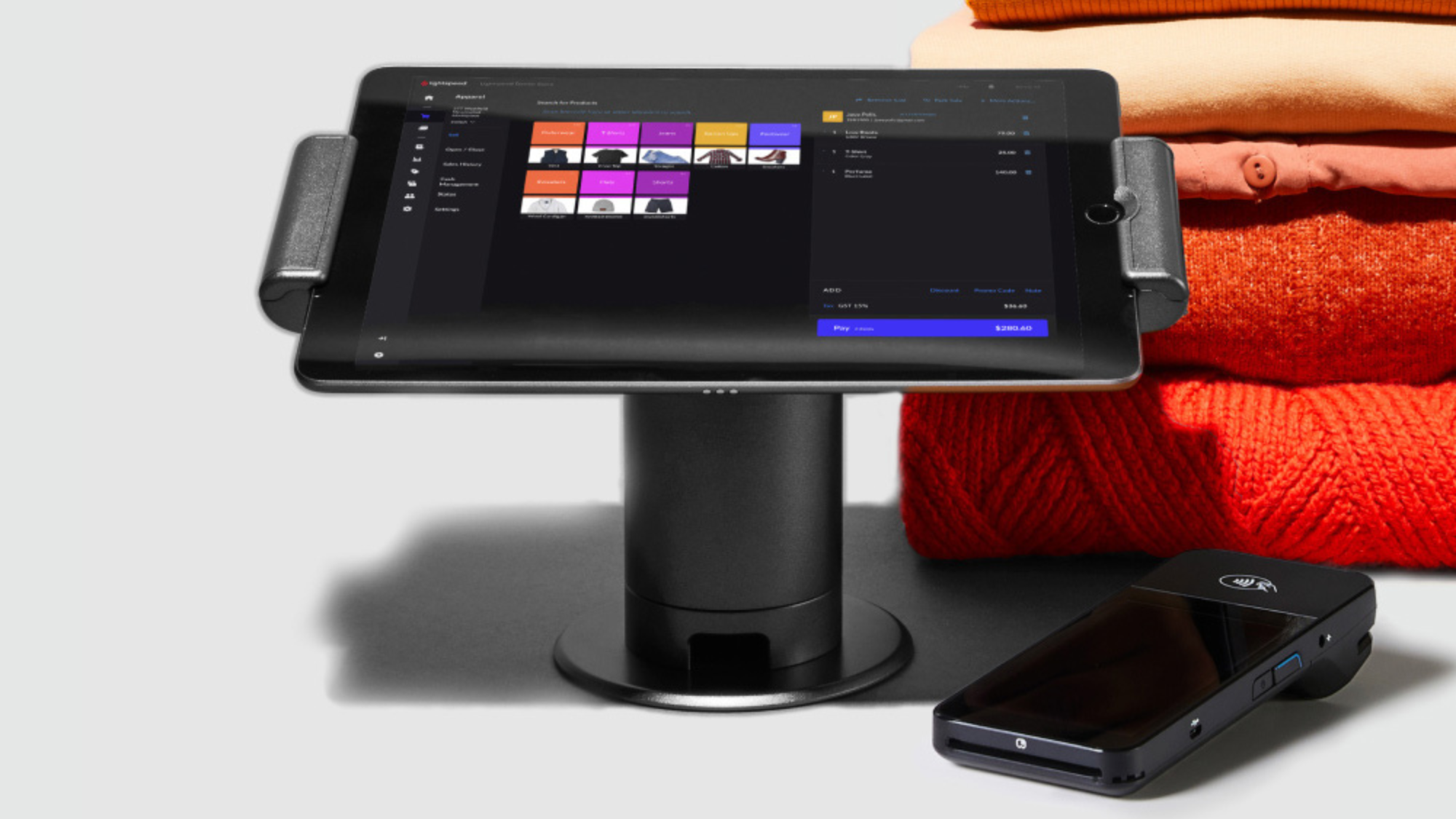
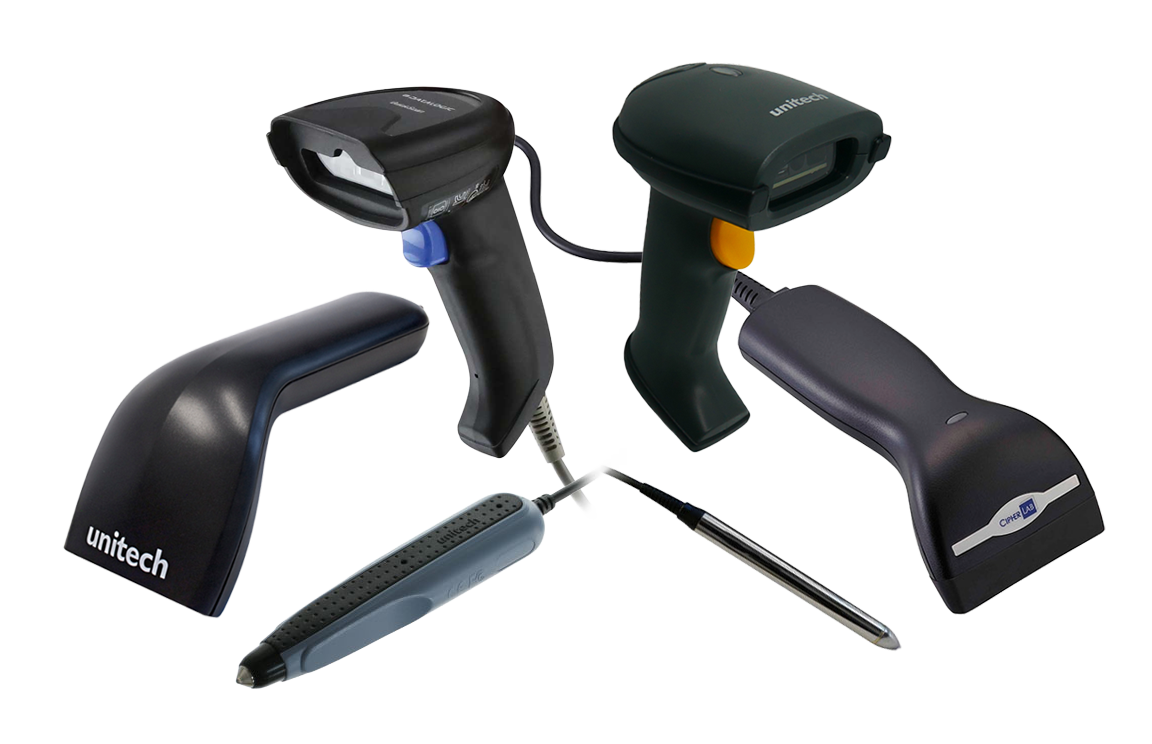
.png)
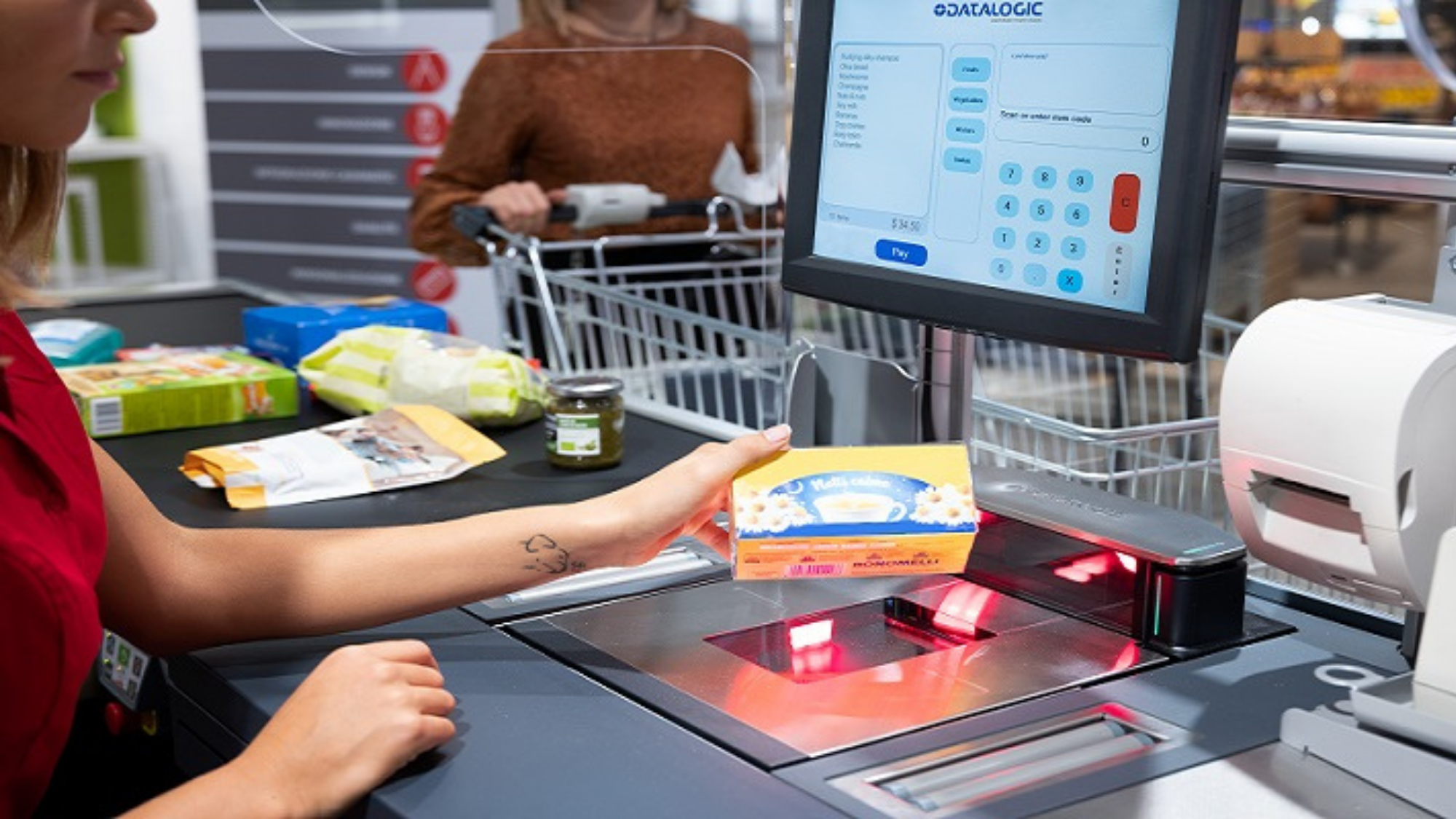
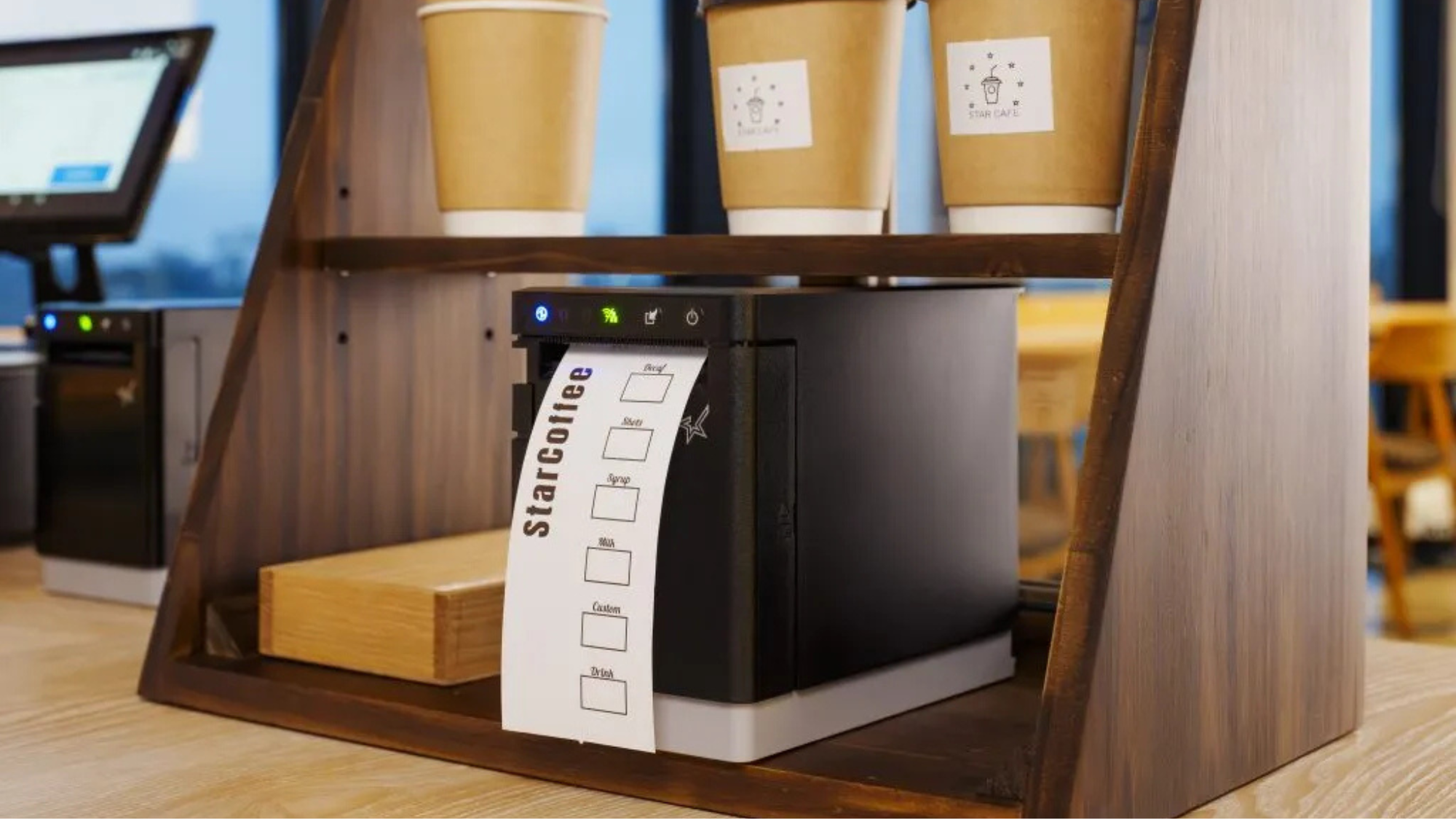
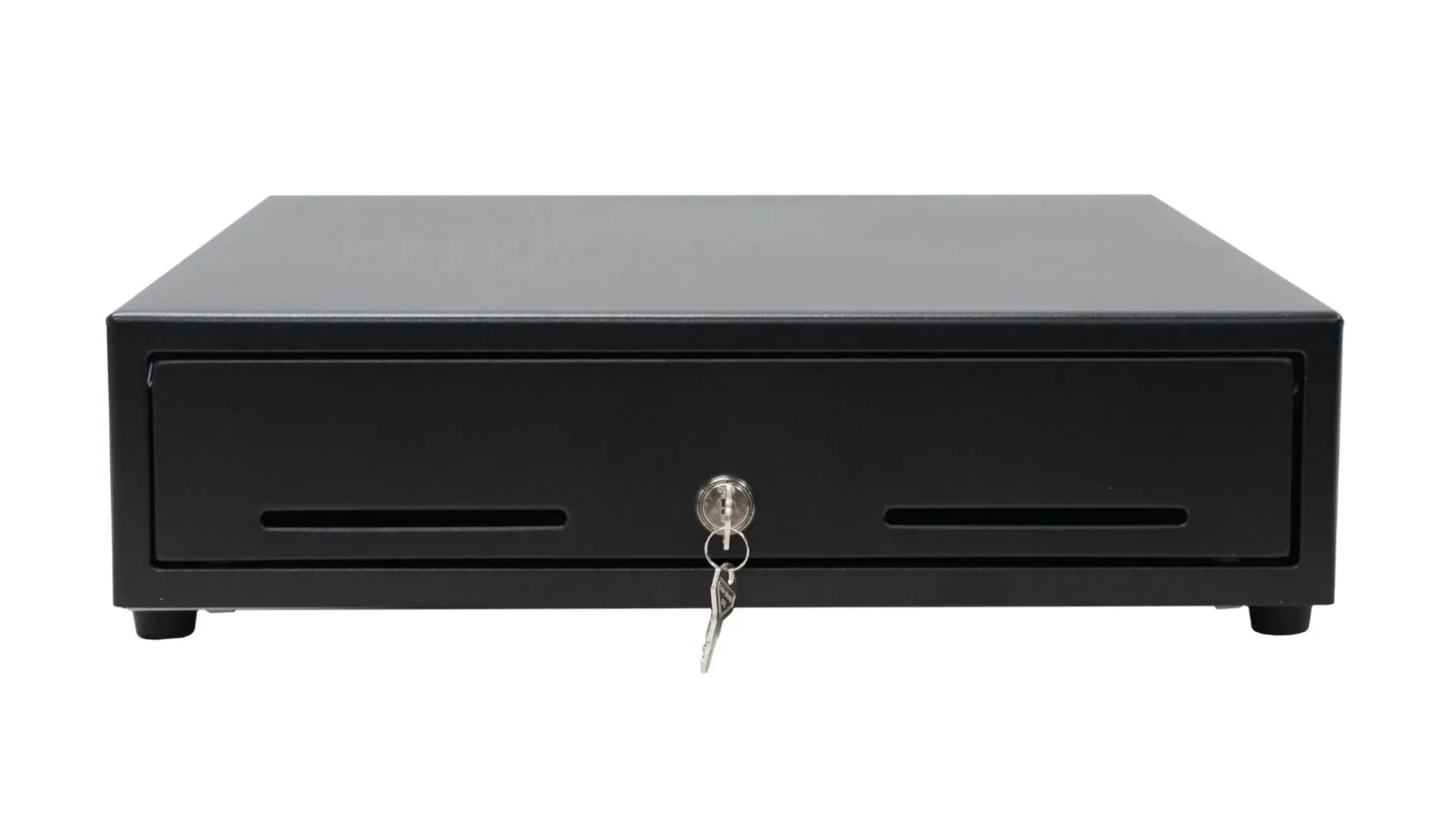
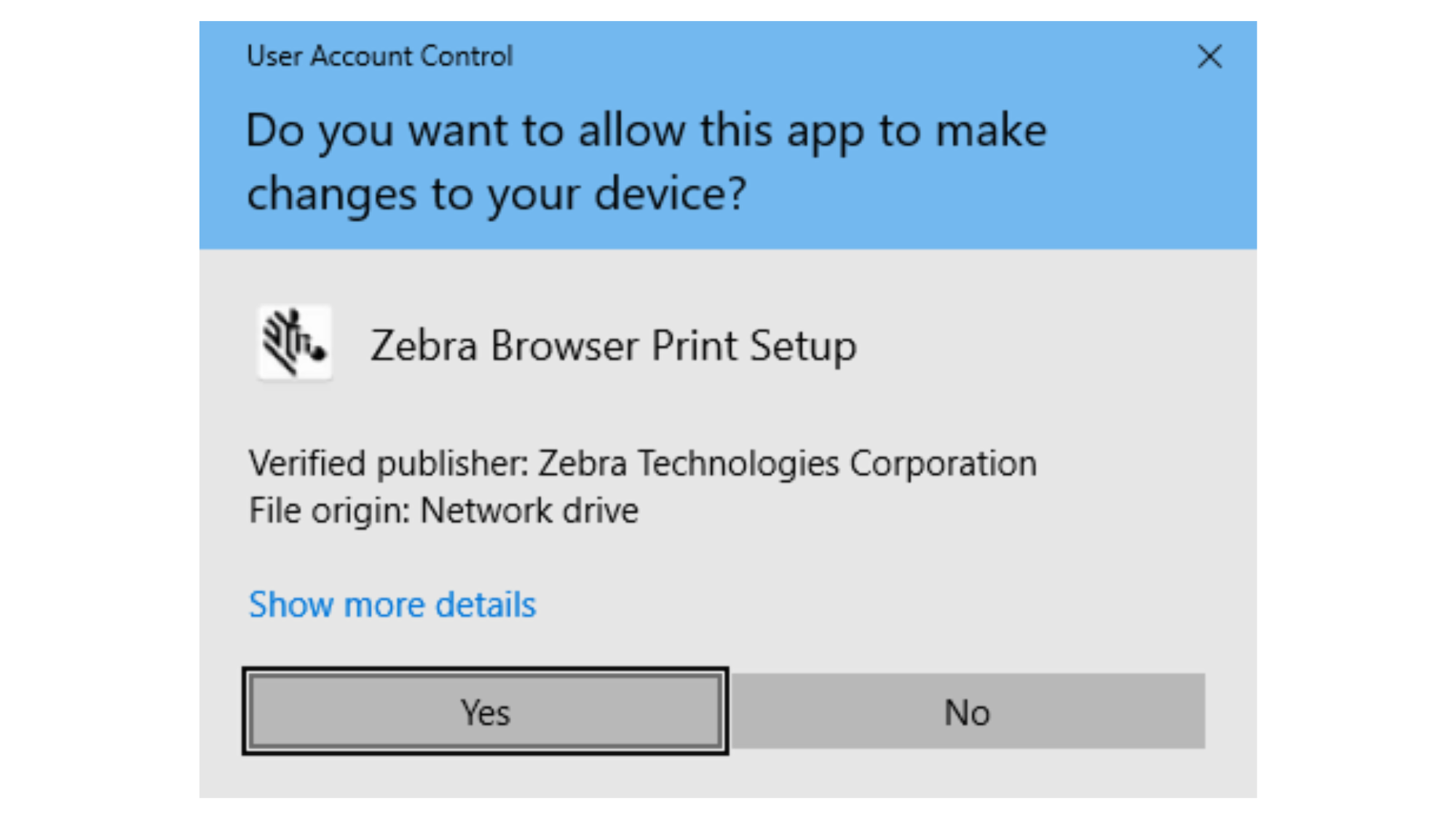
.png)